

Legal
Control the version that is signed, the order of signers and the record of every action.
Use cases
Get NDAs signed before a meeting starts, by one or both parties.
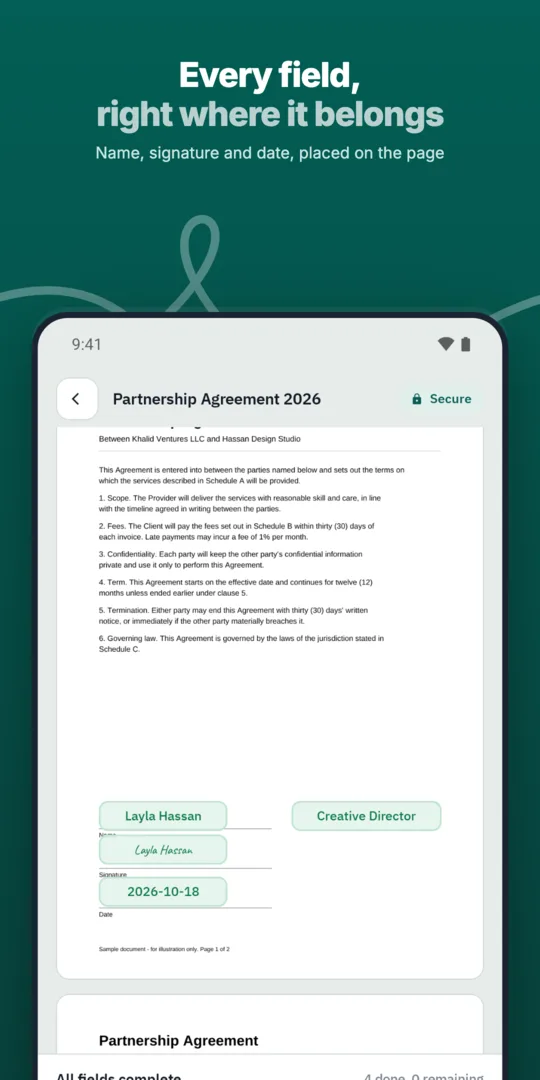
Choose your NDA template.
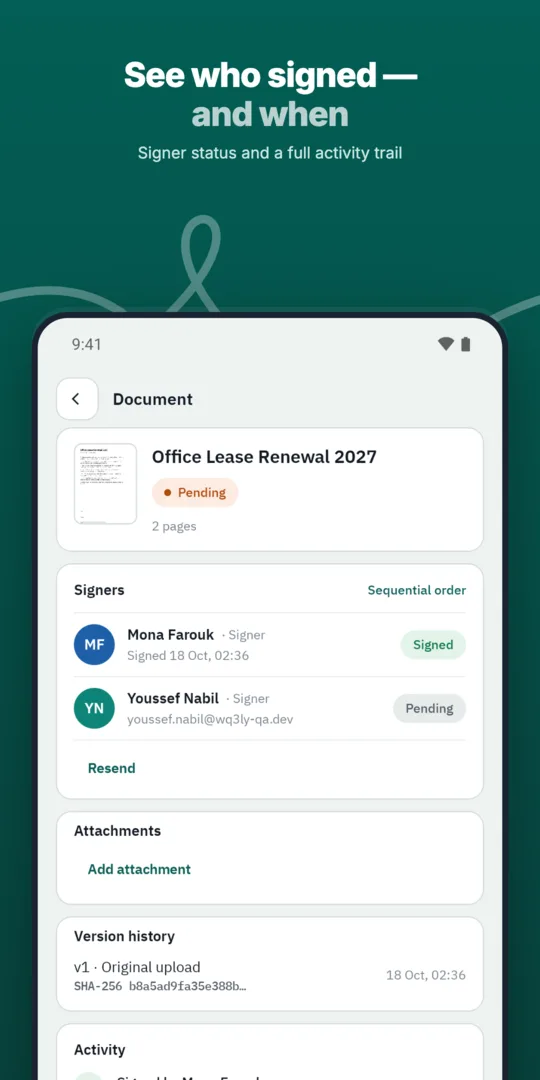
Add the other party.
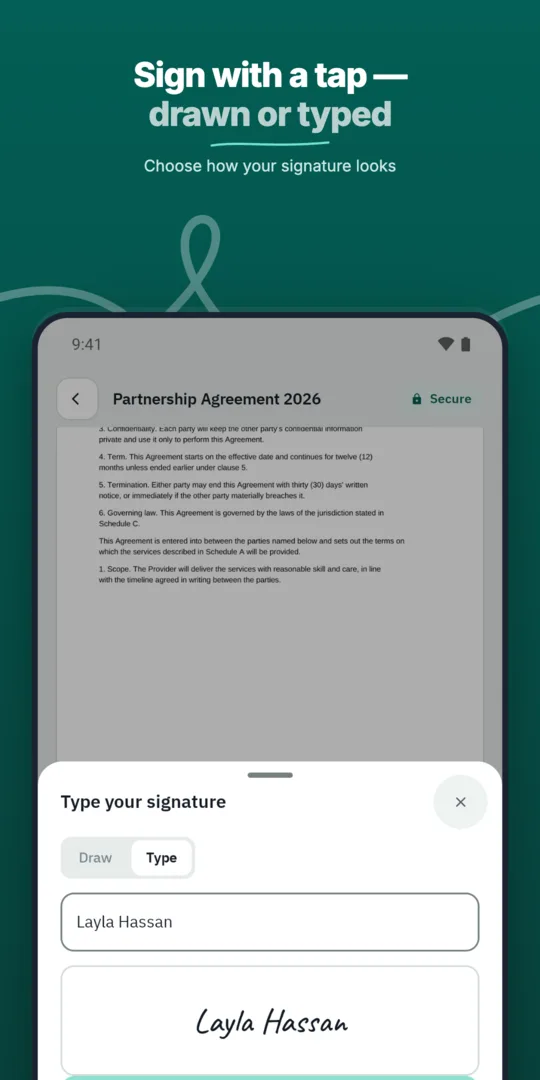
Both sides sign.
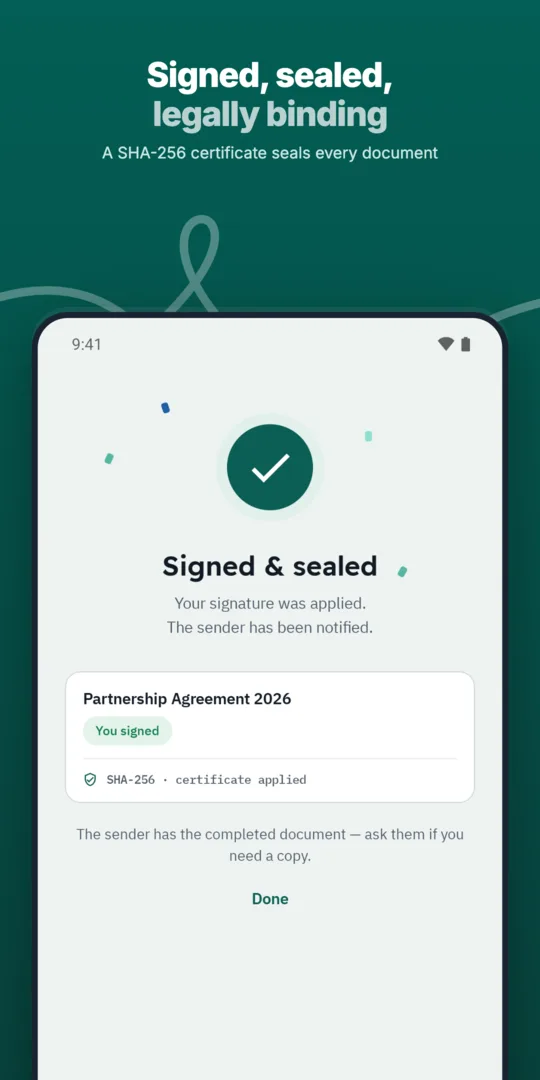
Each party gets the final copy.
Control the version that is signed, the order of signers and the record of every action.
Save the documents you send most often as templates with fields, roles and signing order ready.
Sign agreements with suppliers in any location, with internal approval first.
Prepared, sent and signed entirely in WQ3.
Prepared, sent and signed entirely in WQ3.
Prepared, sent and signed entirely in WQ3.
Ready NDAs you can send in a minute.
See who signed and who is late, with automatic reminders.
A timestamp, document fingerprint and completion certificate for every document, aligned with Law 15 of 2004.
Start with the information you intend to share and why the recipient needs it, then review whether the agreement clearly covers that use. For an introductory partner meeting, consider whether the discussion will stay at overview level or include detailed commercial material. This gives your legal reviewer a concrete disclosure scenario to assess.
Check the parties’ names and each person’s signing capacity before sending. If the recipient represents an organisation, confirm their authority internally rather than treating identity verification as sufficient. Keep signer details consistent with the parties named in the agreement to avoid ambiguity in the completed record.
WQ3 offers exactly three levels: electronic signature, remote signing and token signing. For an NDA, choose according to organisational requirements and the importance of the information being shared. Electronic signature suits everyday agreements; remote or token signing suits formal, high-value contracts and organisations requiring a digital certificate.
You can assign different levels to signers in the same document when the parties have different requirements. If account-holder identity must be proven, require the eKYC account-verification add-on alongside the chosen level. It is not a fourth signing level, and identity verification does not replace checking someone’s authority to represent their organisation.
Allow a final review before sending, especially if the NDA has changed during meeting preparation. WQ3 locks documents once sent, so check party details, attachments and descriptions of confidential information beforehand. This creates a clear boundary between negotiating the wording and collecting signatures.
Each signer accesses the document through an individual invitation and private link, keeping signer access separate during the workflow. Do not treat a sent invitation or an approaching meeting time as a substitute for completed signatures. Base the decision to release sensitive material on your organisation’s policy and the agreement’s status, not the meeting schedule alone.
Keep the completed NDA with your internal notes about what was shared and for what purpose. WQ3’s audit trail records signing actions; it should not be treated as a record of what was said in a meeting or sent through other channels. Keeping those records distinct supports clearer internal review later.
To check a retained copy, use WQ3’s public verification page through the QR code or reference. Verification requires no account, and the file’s SHA-256 fingerprint is compared with the stored fingerprint to reveal changes. Use this to check the copy’s integrity, not to assess whether its confidentiality terms are adequate.
Explore more
Prepare, approve and sign employment contracts with new hires without printing or scanning.
Learn moreSend offer letters candidates can accept and sign from their phone.
Learn moreRoute purchase orders through internal approvals before they reach the supplier.
Learn moreSign agreements with suppliers in any location, with internal approval first.
Learn moreClose deals faster by sending sales contracts customers can sign the same day.
Learn moreService agreements, onboarding forms and renewals signed by customers remotely.
Learn moreCreate your WQ3 account, or talk to us about your organization’s requirements.
No. You can assign a different signing level to each signer in the same NDA, according to each party’s requirements.
eKYC is an account-verification add-on, not a signing level. Require it when account-holder identity must be proven, alongside any of the three levels.
WQ3 locks documents once sent. Complete your review of the wording, party details and attachments before starting the signing workflow.
No; it records actions on the document during signing. Keep a separate internal record of information disclosed outside that workflow.
There is no blanket guarantee. Egyptian Law No. 15 of 2004 grants legal validity when its conditions are met; seek legal review of the NDA’s terms and signers’ authority.