

Human resources
Send offer letters, employment contracts and policy acknowledgements to employees and managers in the right order.
Use cases
Prepare, approve and sign employment contracts with new hires without printing or scanning.
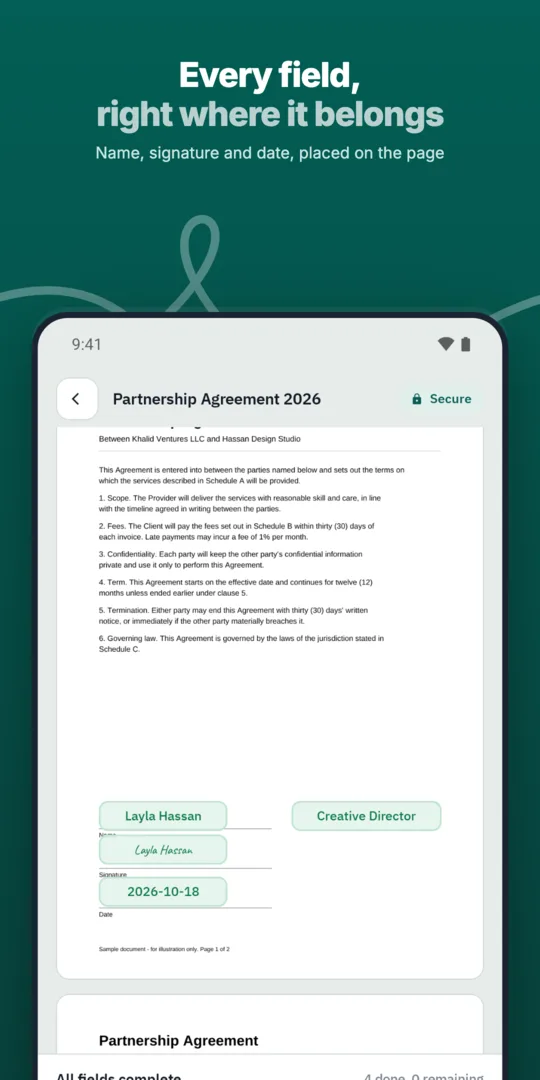
HR starts from a contract template.
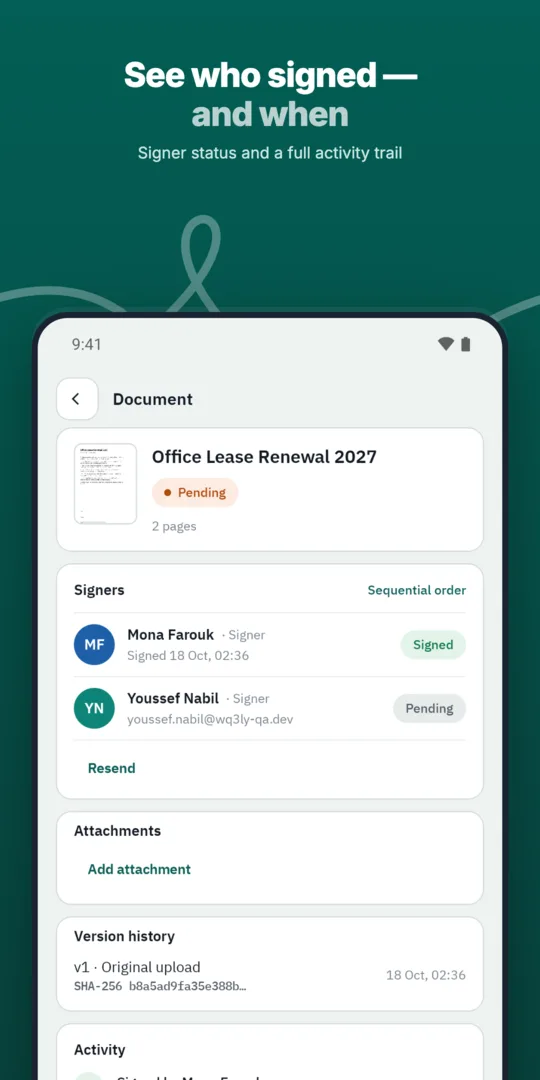
The manager approves.
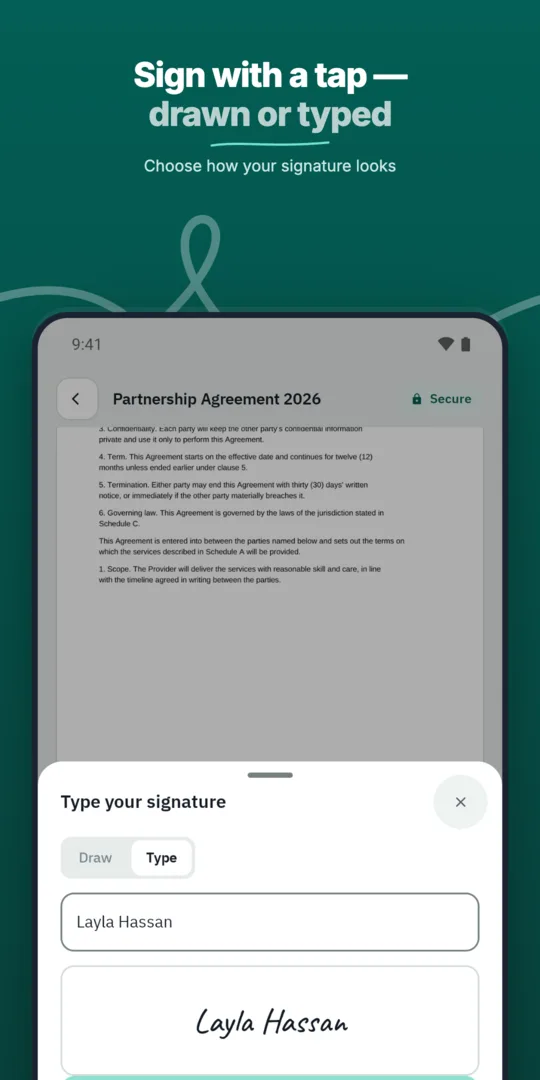
The new hire signs from their invitation.
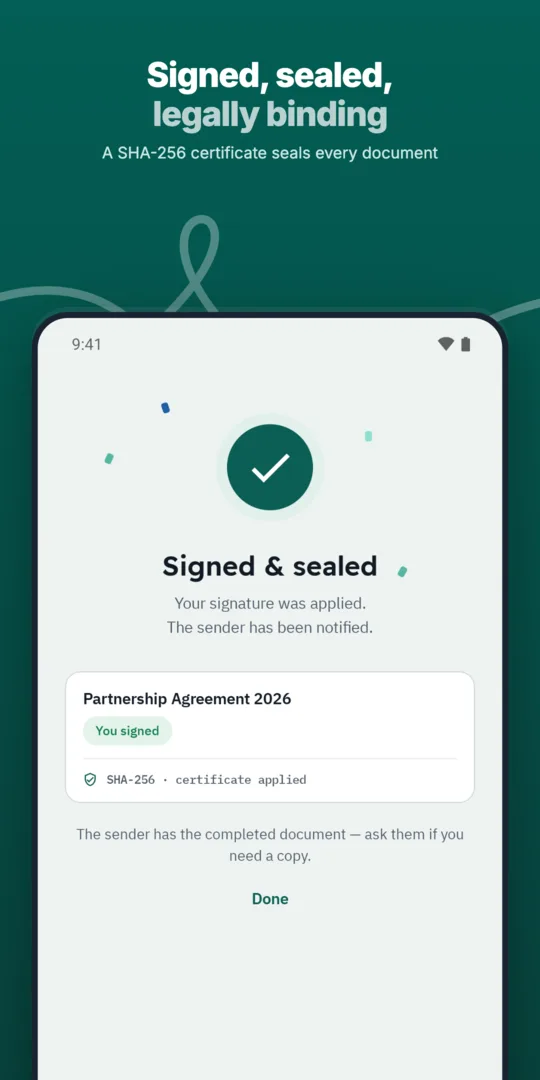
HR files the signed copy.
Send offer letters, employment contracts and policy acknowledgements to employees and managers in the right order.
Save the documents you send most often as templates with fields, roles and signing order ready.
Send offer letters candidates can accept and sign from their phone.
Prepared, sent and signed entirely in WQ3.
Prepared, sent and signed entirely in WQ3.
Prepared, sent and signed entirely in WQ3.
Employment contracts bulk-sent to new hires.
See who signed and who is late, with automatic reminders.
A timestamp, document fingerprint and completion certificate for every document, aligned with Law 15 of 2004.
Treat the final contract review as a separate task from approving the hire. Check the employer’s legal name, employee details, job title, start date, pay, workplace and any probation terms; signing alone cannot establish that these details are correct.
If the contract refers to a job description or benefits schedule, identify the intended document and version clearly. Make sure the employee understands which documents establish employment terms and which simply acknowledge a policy.
WQ3 locks documents once sent, so resolve negotiated changes before that point. Ask the HR owner to confirm that the signing copy reflects the terms actually agreed.
Establish your organisation’s signing requirements before inviting the new hire. WQ3 offers exactly three levels—electronic signature, remote signing and token signing—and allows different levels for different signers within the same document.
Electronic signature can suit everyday agreements, while remote or token signing serves formal, high-value contracts and organisational requirements for a digital certificate. For employment contracts, base that choice on legal requirements and internal policy rather than job title alone.
Where account-holder identity must be established, require the eKYC account-verification add-on with any level. Keep identity verification separate from signing authority: confirming someone’s identity does not, by itself, establish their authority to bind the employer.
Electronic signing evidence helps document the signing event, but it does not replace review of the employment terms. Check pay, working hours, leave and termination provisions against applicable employment law before sending.
WQ3 is aligned with Egyptian E-Signature Law No. 15 of 2004 and its executive regulations. That framework gives electronic signatures and documents legal validity when its conditions are met, not simply because a signature appears on a file.
For cross-border hiring, seek advice on the governing law and any local language, form or recordkeeping requirements. Alignment with electronic-signature frameworks does not mean every employment contract automatically meets all employer obligations.
Organise the completed record so another HR colleague can understand it without relying on the sender’s memory. Keep the final file together with its completion certificate and action record under your organisation’s employee-record retention policy.
The QR code and reference provide access to public contract verification without an account. Comparing the SHA-256 fingerprint helps reveal whether a file has changed; this is different from assessing whether its terms are fair or compliant with employment law.
If pay or other terms change later, make the amendment clear about the earlier agreement it changes and its effective date. Preserve that relationship in your internal records so reviewers can distinguish the original agreement from subsequent terms.
Explore more
Send offer letters candidates can accept and sign from their phone.
Learn moreGet NDAs signed before a meeting starts, by one or both parties.
Learn moreRoute purchase orders through internal approvals before they reach the supplier.
Learn moreSign agreements with suppliers in any location, with internal approval first.
Learn moreClose deals faster by sending sales contracts customers can sign the same day.
Learn moreService agreements, onboarding forms and renewals signed by customers remotely.
Learn moreCreate your WQ3 account, or talk to us about your organization’s requirements.
No. WQ3 allows a different level for each signer in the same document, according to the applicable requirements.
No. It is an account-verification add-on that can be required with electronic signature, remote signing or token signing.
Documents are locked once sent. Resolve changes beforehand rather than treating the sent file as an editable draft.
No. It helps verify authenticity and the signing record; employment terms require a separate legal review.
Set retention according to applicable legal obligations and organisational policy. Electronic signing alone does not determine the retention period.