

WQ3 API
Use WQ3 signing from inside your own applications and systems.
Developers
A REST API to create documents, add signers, send for signature and download signed copies.
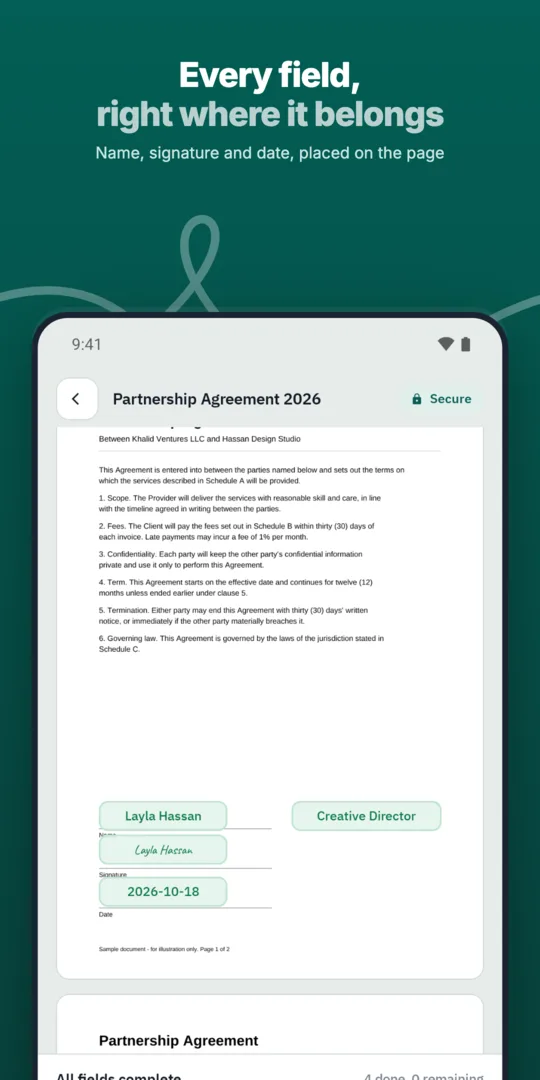
Your system creates a document.
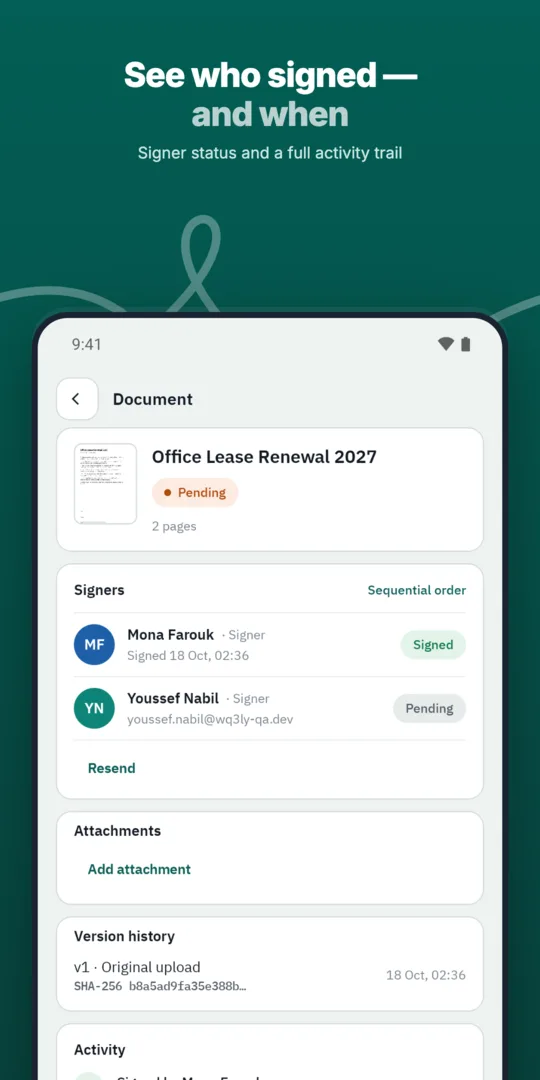
WQ3 sends it to signers in order.
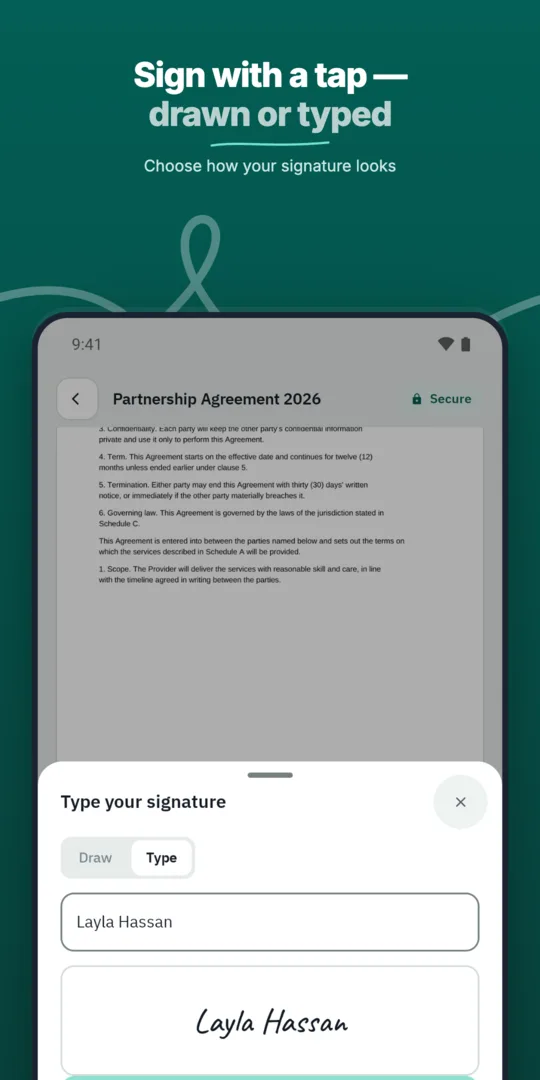
Signers sign.
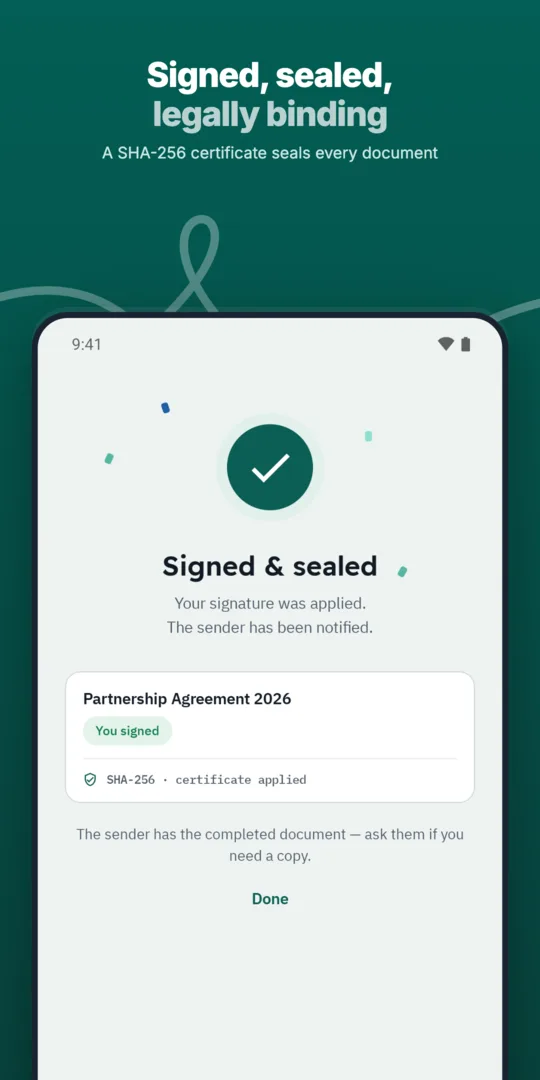
Your system receives the signed copy.
An illustrative request that sends a document to two signers in order.
Illustrative only. Full reference is shared with API customers.
Use WQ3 signing from inside your own applications and systems.
Connect WQ3 to ERP, HR, CRM, productivity and storage systems, or build a custom integration.
Tell us what you want to build and we'll share API access details.
Upload files or create them from templates.
Set parties, order and each signer's level.
Download the sealed file and completion certificate.
Start with the business rules that determine who signs each document type and which signing level each party needs. WQ3 allows different levels within the same document, so your application should map the choice to the signer’s role and the agreement’s requirements rather than apply one default to every case.
The three levels are electronic signature, remote signing and token signing. Electronic signature suits everyday agreements, while remote or token signing suits formal, high-value contracts. Treat eKYC account verification as a separate add-on that can be required with any level, and document these decisions before translating them into request fields using the full API reference.
WQ3 documents are locked once sent, so your application should complete content and participant checks before that step. A useful final review screen should show the intended file, signer order and required level for each party, making it clear exactly what the user is about to send.
Also plan for situations where a connection interruption leaves your application uncertain whether sending succeeded. Before implementing automatic retries, confirm the documented approach to status checks and duplicate requests in the API reference. This avoids designing around undocumented retry assumptions; the illustrative request should not be treated as a complete description of interruption or failure handling.
Design your business record to link the signed file, completion certificate and the transaction context that prompted the document. WQ3’s audit trail records actions from sending through final signature, helping reviewers understand what happened rather than relying on a stored file alone.
Provide a clear route for later verification: the public check page’s QR code appears on both the final file and completion certificate. Document authenticity can be checked without an account, and the SHA-256 fingerprint comparison reveals changes to the file. Preserve the original downloaded copy without modification, and distinguish any derivative copies used for display or internal processing.
Before implementation, prepare a short brief covering document sources, signer roles, signing-level rules and where completed records will live in your system. Identify which personal data you need to pass to WQ3 and who within your organisation needs access to the resulting documents.
Use that brief when reviewing the full API reference and access details, confirming authentication, accepted formats, error responses, status tracking and any applicable usage limits. These are items to verify, not capabilities established by this introductory page. WQ3 transfers data over TLS 1.2 or newer, but you should still review your application’s own storage and access controls after documents are downloaded.
REST API
Create a document, add signers, and follow every event from inside your application.
POST /v1/documents
{
  "name": "contract.pdf",
  "signers": [
    { "email": "sara@example.com" }
  ]
}Create your WQ3 account, or talk to us about your organization’s requirements.
The example is illustrative only. Use the full reference shared with API customers to confirm required fields and request behaviour before implementation.
No. Each signer can have a different level within the same document, according to the agreement’s requirements.
No. It is an account-verification add-on that can be required with any of the three signing levels.
This page does not confirm webhook support. Verify the supported status-tracking approach when reviewing the full API reference.
No. Egypt’s E-Signature Law No. 15 of 2004 recognises legal validity when its conditions are met; assess each agreement’s requirements separately.