

Bulk send
Send the same document to many recipients at once, each receiving their own copy to sign.
Features
Save the documents you send most often as templates with fields, roles and signing order ready.
Templates
Reusable templates with predefined fields.
Send recurring documents in seconds.
Keep fields and signing order consistent.
Share templates across your team.
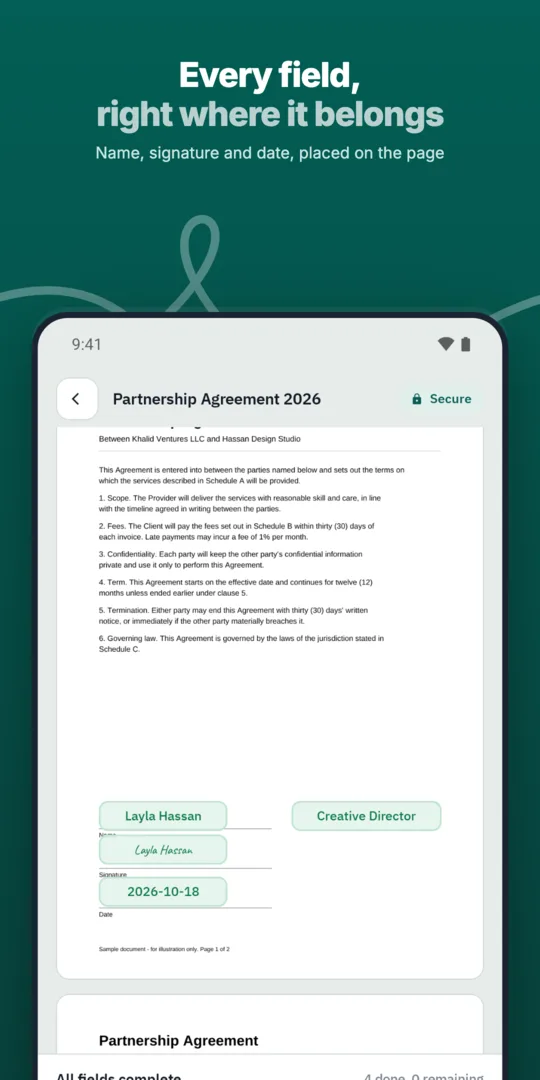
Prepare a document once.
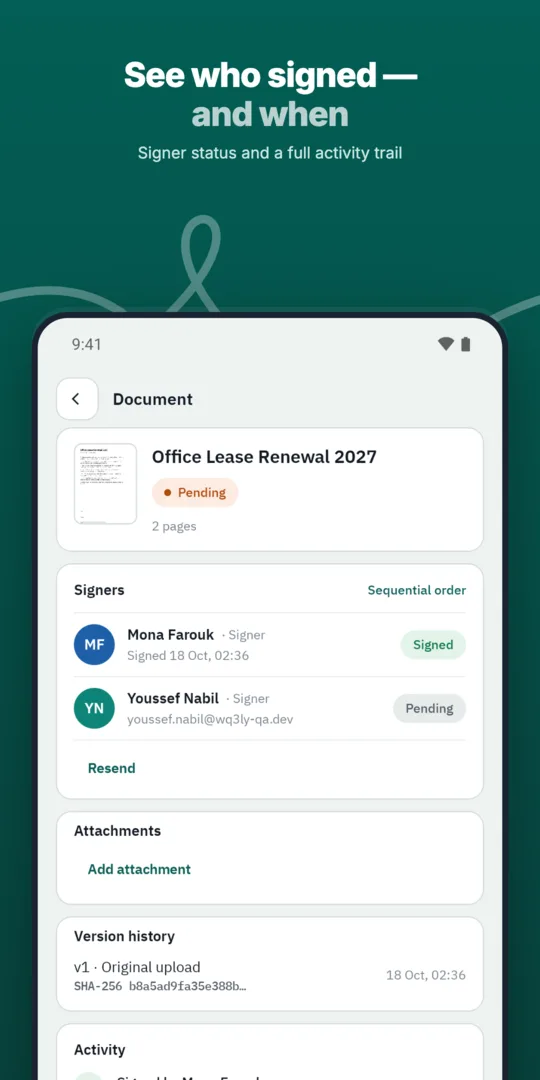
Save it as a template with roles.
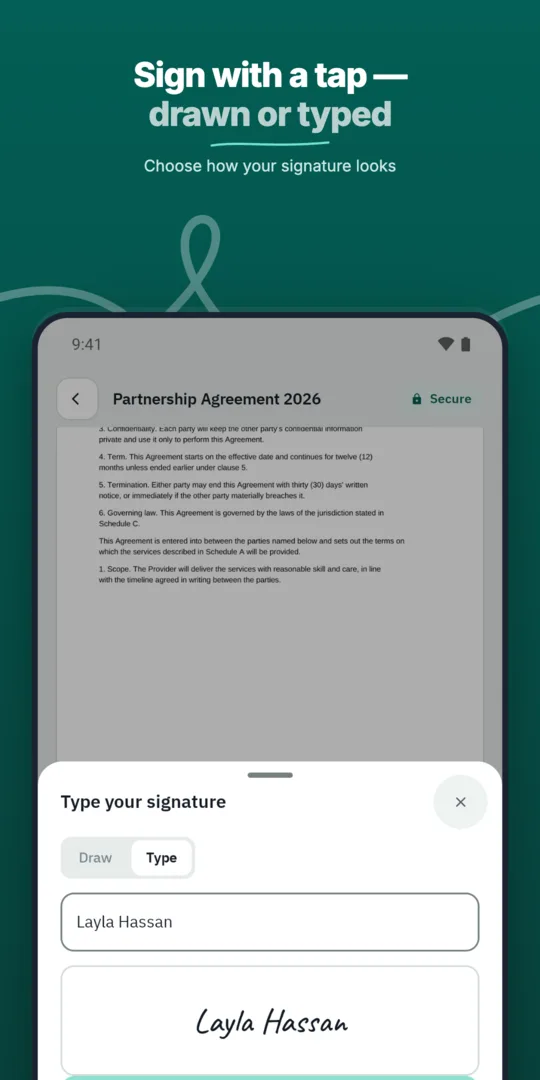
Start new documents from the template.
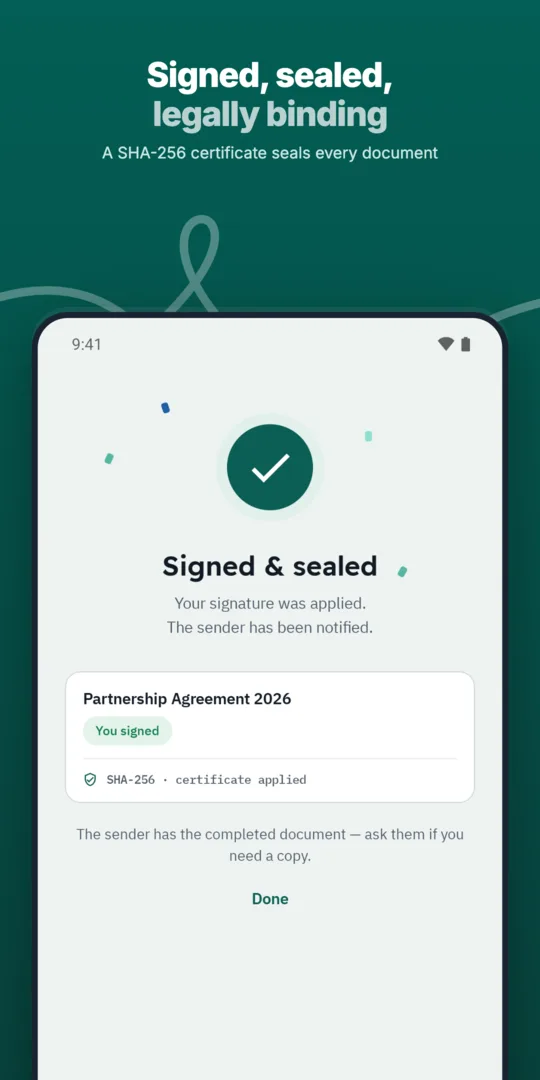
Fill in recipients and send.
Send the same document to many recipients at once, each receiving their own copy to sign.
Define the exact order in which approvers and signers act, and WQ3 enforces it.
Before building a template, identify what can remain standard and what needs review for every transaction. A recurring agreement may retain its general terms while names, dates, scope and amounts change between recipients. Making that distinction helps your team focus on variable details without treating previously used wording as automatically suitable for every new agreement.
Start with a clean source document rather than a completed recipient copy. Remove old personal information and transaction-specific negotiation notes, then check field placement against the surrounding text. Keep a short internal checklist of details the sender must validate, particularly where an entered value changes an obligation or deadline.
When planning a template, use functional role names such as “supplier representative” or “customer representative” rather than designing around a particular employee. This makes the intended field assignments easier to understand when someone else handles the transaction. For each role, establish what information that person supplies and whether their involvement is an approval or a signature.
Review the sequence against real dependencies: who needs to review the document before the next person acts? For every new document, confirm that each recipient represents the intended party and has the appropriate authority. A reusable arrangement can organise participation, but it does not itself establish someone’s authority to bind an organisation.
Documents that look alike do not necessarily need the same signing requirements. When using a template, assess the agreement’s value, formality and identity requirements before sending it. WQ3 offers exactly three levels—electronic signature, remote signing and token signing—and allows a different level for each signer within the same document.
Use electronic signature for everyday agreements, and consider remote or token signing for formal, high-value contracts or organisations requiring a digital certificate. Where identity must be proven, require an eKYC-verified account alongside the selected level; eKYC is an account-verification add-on, not a fourth signing level. Reusing a template does not automatically satisfy legal requirements, including the applicable conditions under Egypt’s E-Signature Law No. 15 of 2004.
Treat the prepared document—not just the original template—as the final review point. Check the parties, entered details, field positions and signing requirements together so that a correct field does not contradict outdated wording elsewhere. This review matters because documents are locked once sent in WQ3.
For ongoing use, assign someone within your team to review the source wording when policies or commercial terms change. After signing, use the completed document, its audit trail and completion certificate for record keeping rather than relying on the reusable template. Those records establish what happened in that particular transaction, while the template remains a starting point for future agreements.
Explore more
Let every signer sign business documents electronically from a secure invitation link, on any device.
Learn moreSend any business document for signature in a few steps and follow its progress until it is complete.
Learn moreAdd every approver and signer a document needs, each with their own fields and role.
Learn moreDefine the exact order in which approvers and signers act, and WQ3 enforces it.
Learn moreSend the same document to many recipients at once, each receiving their own copy to sign.
Learn moreEvery action on a document is recorded, from sending to final signature, in a clear audit trail.
Learn moreCreate your WQ3 account, or talk to us about your organization’s requirements.
Not necessarily. If core obligations or participating parties differ, separate source documents may be clearer and less error-prone than repeatedly adapting one.
Remove them before reuse. Starting with a clean document reduces the risk of sending someone else’s information.
No. WQ3 allows a different signature level for each signer in the same document, according to the transaction’s requirements.
No. eKYC verifies the account holder’s identity and can accompany any of the three signing levels.
Keep the final document, audit trail and completion certificate. Every contract signed with WQ3 also has a public verification page accessible without an account.