

Multiple signers
Add every approver and signer a document needs, each with their own fields and role.
Features
Define the exact order in which approvers and signers act, and WQ3 enforces it.
Approvals happen before signatures.
Nobody signs out of turn.
The next person is notified automatically.
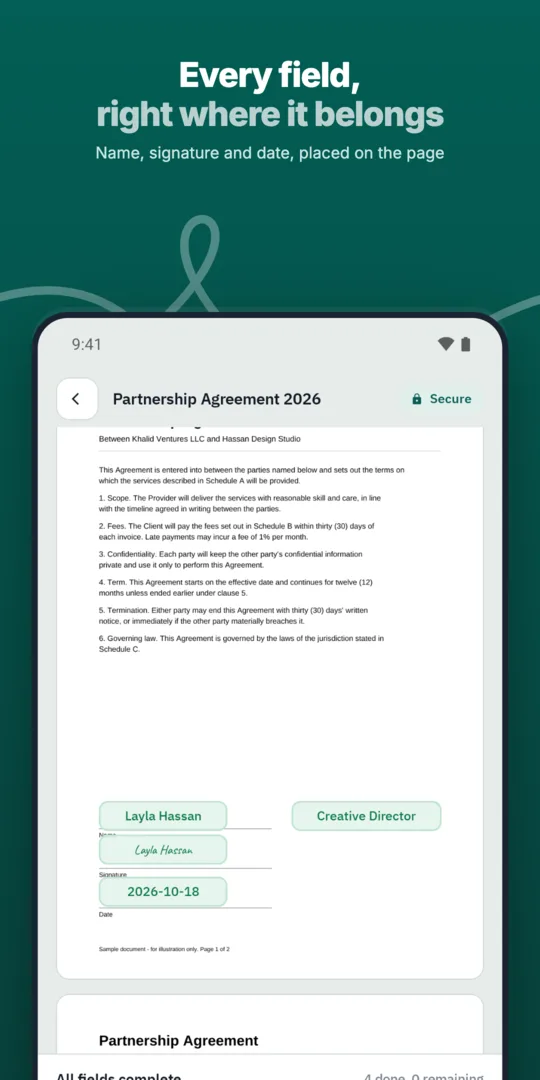
Add participants.
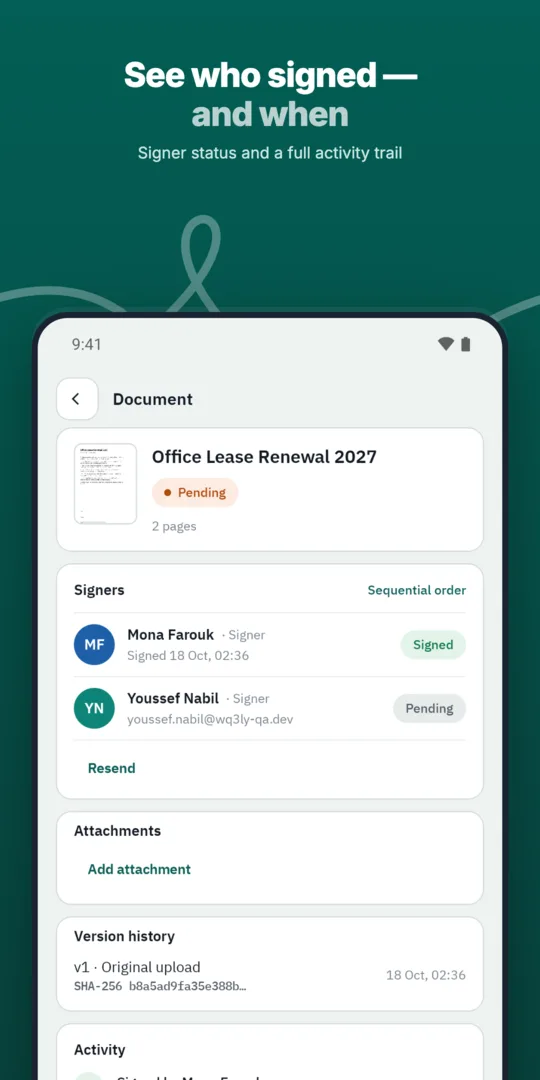
Arrange them in the order they must act.
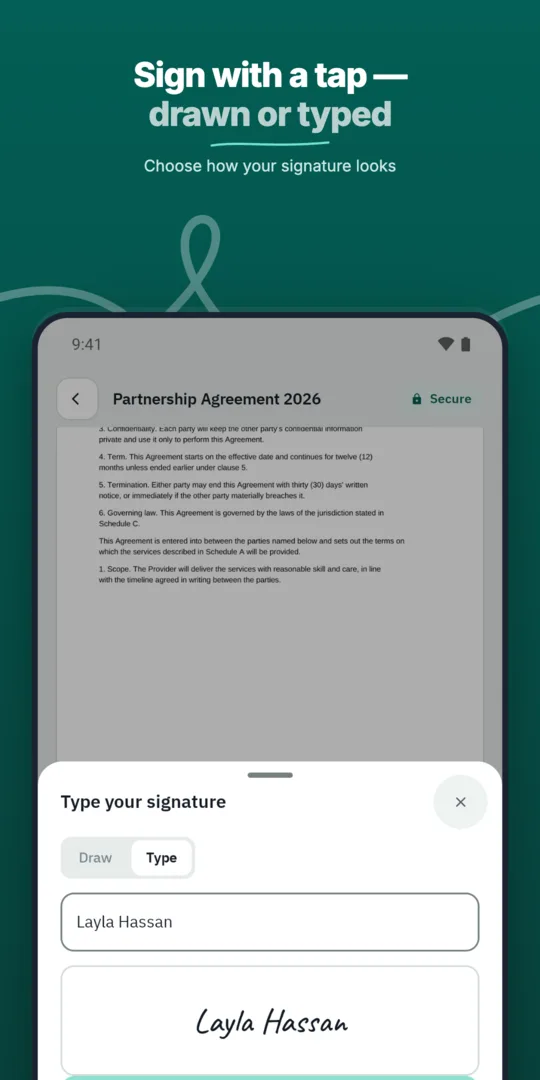
Send — WQ3 invites each one in turn.
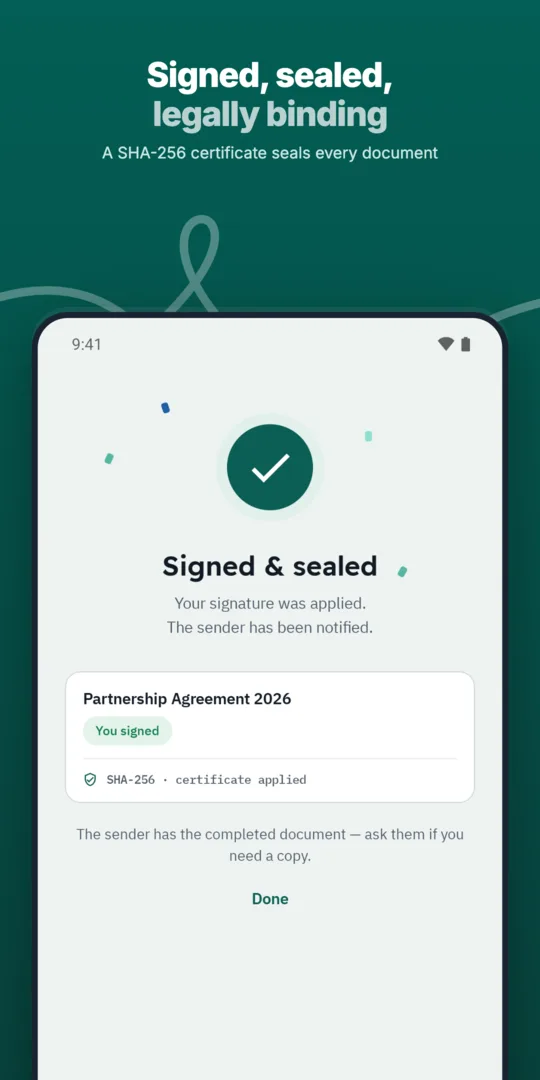
The workflow completes when the last person signs.
Add every approver and signer a document needs, each with their own fields and role.
Save the documents you send most often as templates with fields, roles and signing order ready.
Before configuring a workflow, identify the decision each participant needs to make: reviewing commercial terms, approving an internal commitment, or signing for a contracting party. This distinction helps you assign appropriate roles rather than treating everyone involved in review as a signer. Start with the decisions that must be settled before the next action can happen.
For a supplier agreement, for example, your policy might require internal approval before representatives of the two parties sign. This is a planning example, not a mandatory sequence for every contract. Confirm each participant’s authority separately: signing order organises the process, but does not grant someone permission or authority to sign.
WQ3 locks documents once sent, so review the workflow alongside the content before starting the process. Check that the file is the intended version, each participant has the appropriate role and fields, and the sequence reflects your actual approval requirements. This matters particularly when a document involves several parties with different responsibilities.
Discuss any prerequisites that need to be resolved outside the signing workflow, such as agreement on terms or confirmation of signing authority. If you use a saved template, review its role sequence for the current transaction rather than assuming it suits every case. This preparation helps avoid starting a process while essential decisions remain unresolved.
Signing order determines when a participant acts; signature level determines how that person signs. WQ3 offers three levels—electronic signature, remote signing, and token signing—and allows a different level for each signer in the same document. Being last in the sequence does not automatically mean someone needs a particular level.
Choose each signer’s level according to the agreement and your organisation’s requirements, independently of their position in the order. The eKYC account-verification add-on can accompany any level when proof of the account holder’s identity is needed; it is not a fourth signing level. A defined sequence alone does not establish that a transaction meets all applicable legal conditions.
Your configured order describes the intended process, while the audit trail records the actions that actually occurred. WQ3 records every document action from sending through final signature, and completed documents include a record and completion certificate. These materials support internal review of the sequence and timing of actions.
When filing the completed agreement, keep the completion certificate alongside the final document so both are available for reference. The public verification page lets reviewers see signer names, signature level, and step timestamps without an account, and supports checking the file’s fingerprint. This helps distinguish reviewing the process history from checking that the final file has not changed.
Explore more
Let every signer sign business documents electronically from a secure invitation link, on any device.
Learn moreSend any business document for signature in a few steps and follow its progress until it is complete.
Learn moreAdd every approver and signer a document needs, each with their own fields and role.
Learn moreSave the documents you send most often as templates with fields, roles and signing order ready.
Learn moreSend the same document to many recipients at once, each receiving their own copy to sign.
Learn moreEvery action on a document is recorded, from sending to final signature, in a clear audit trail.
Learn moreCreate your WQ3 account, or talk to us about your organization’s requirements.
No. A workflow can include approvers and signers; assign roles according to responsibility rather than making every reviewer a signer.
Yes. Each signer in the same document can use electronic signature, remote signing, or token signing.
No. It is an account-verification add-on, and an eKYC-verified account can be required with any signature level.
Review participants, roles, fields, and approval dependencies for the current transaction. A previous agreement’s sequence may not suit a new one.
No. Legal validity depends on applicable legal conditions, not sequence alone. Review signing authority and signature requirements as well.