

Signing order
Define the exact order in which approvers and signers act, and WQ3 enforces it.
Features
Add every approver and signer a document needs, each with their own fields and role.
Assign fields to specific signers.
Mix internal approvers with external signers.
Each participant only sees what they need to act on.
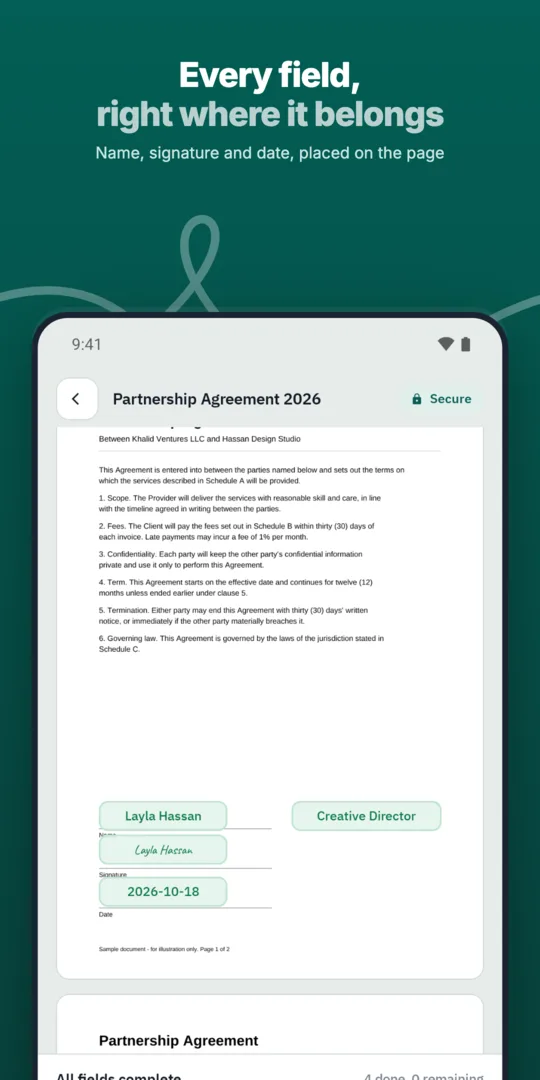
Add each participant.
Assign their fields.
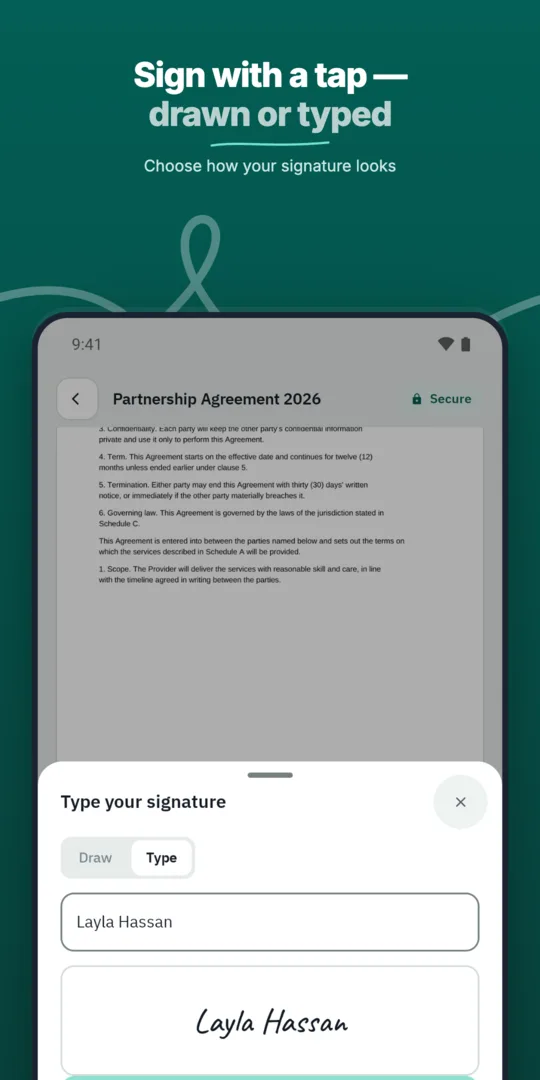
Choose parallel or sequential order.
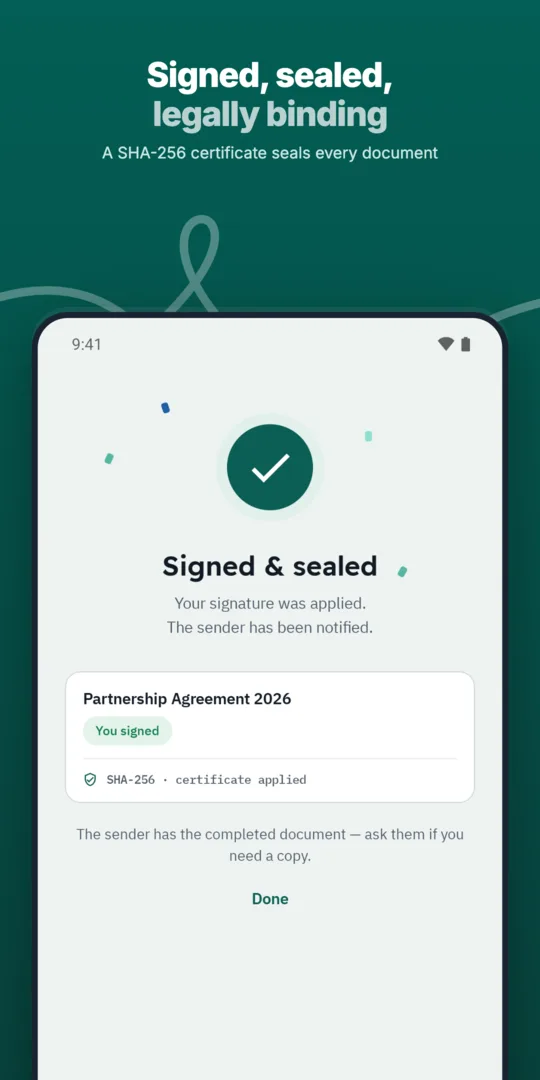
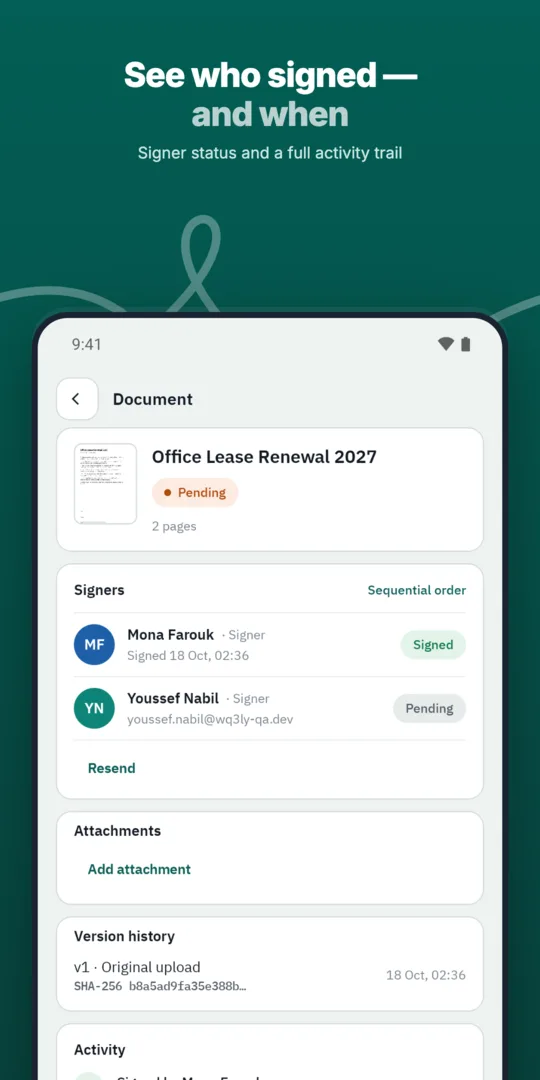
Track each signature.
Define the exact order in which approvers and signers act, and WQ3 enforces it.
Send any business document for signature in a few steps and follow its progress until it is complete.
When several people share one agreement, start by distinguishing their responsibilities: reviewing terms, giving internal approval, or signing on behalf of a party. This helps avoid treating an internal approval as the signature that binds the relevant party. Confirm signer names, capacities and authority to represent the parties before preparing the signing request.
Check the document wording as well as the participant list. Party names, stated capacities and signature blocks should correspond to the people expected to act. Because WQ3 locks documents once sent, complete this review beforehand rather than relying on later explanations about who is signing and in what capacity.
Multiple signers do not necessarily need the same signature level. WQ3 lets you select a different level for each signer from exactly three options: electronic signature, remote signing and token signing. Review each party’s requirements before sending, particularly when participating organisations have different signing policies.
WQ3’s guidance points to electronic signatures for everyday agreements and remote or token signing for formal, high-value contracts. Where the account holder’s identity must be proven, require an eKYC-verified account alongside any level. Keep signature selection and account verification separate: eKYC is an add-on, not a fourth signing level, and verifying identity does not by itself establish authority to represent an organisation.
For a document involving several parties, treat each signer’s invitation as individual access rather than a general link for the team. WQ3 uses individual invitations and private signing links, so reviewing participant details before sending is a useful precaution. Each signer should use their own invitation rather than asking someone else to act through a link not intended for them.
Also consider whether one participant’s decision depends on another person acting first. Plan any required review before signature; independent actions may suit a parallel arrangement. Let the workflow reflect actual approval dependencies, rather than simply following the order in which names appear in the document.
After a multi-signer document is complete, review involves more than checking that signatures appear: it also means understanding who acted and when. WQ3 provides a full audit trail and completion certificate for every completed document. Keep the final file and completion certificate together so later reviewers can consult the action record alongside the agreement.
The public verification page allows review of signer names, signature level and the timestamp of every step without an account. Comparing the SHA-256 fingerprint helps check the file against the stored fingerprint and reveal changes. This evidence supports document review but does not replace checking signers’ authority or meeting the legal conditions applicable to the agreement.
Explore more
Let every signer sign business documents electronically from a secure invitation link, on any device.
Learn moreSend any business document for signature in a few steps and follow its progress until it is complete.
Learn moreDefine the exact order in which approvers and signers act, and WQ3 enforces it.
Learn moreSave the documents you send most often as templates with fields, roles and signing order ready.
Learn moreSend the same document to many recipients at once, each receiving their own copy to sign.
Learn moreEvery action on a document is recorded, from sending to final signature, in a clear audit trail.
Learn moreCreate your WQ3 account, or talk to us about your organization’s requirements.
Yes. Electronic signature, remote signing or token signing can be selected separately for each signer.
No. It is an account-verification add-on that can be required alongside any of the three signing levels.
No. Each signer should use their own invitation; WQ3 provides individual access rather than a shared signing link.
Check final wording, participant capacities, signing authority, required signature levels and review dependencies. Documents are locked once sent.
No. The public check page supports verification using the QR code, reference and document fingerprint.