

Templates
Save the documents you send most often as templates with fields, roles and signing order ready.
Features
Send the same document to many recipients at once, each receiving their own copy to sign.
Ideal for policy acknowledgements and notices.
Every recipient gets an individual signing workflow.
Track completion across the whole batch.
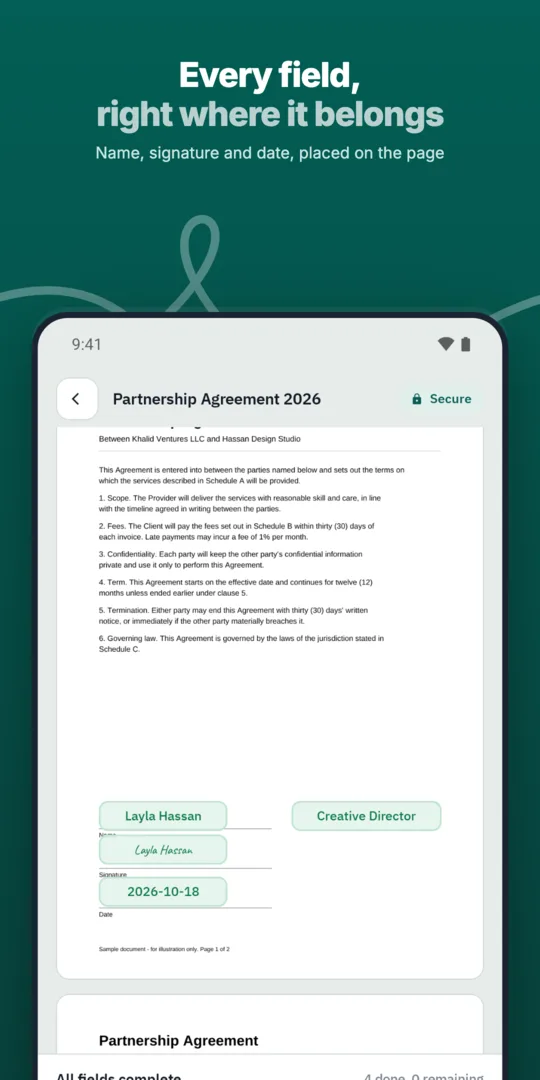
Choose a template.
Add the list of recipients.
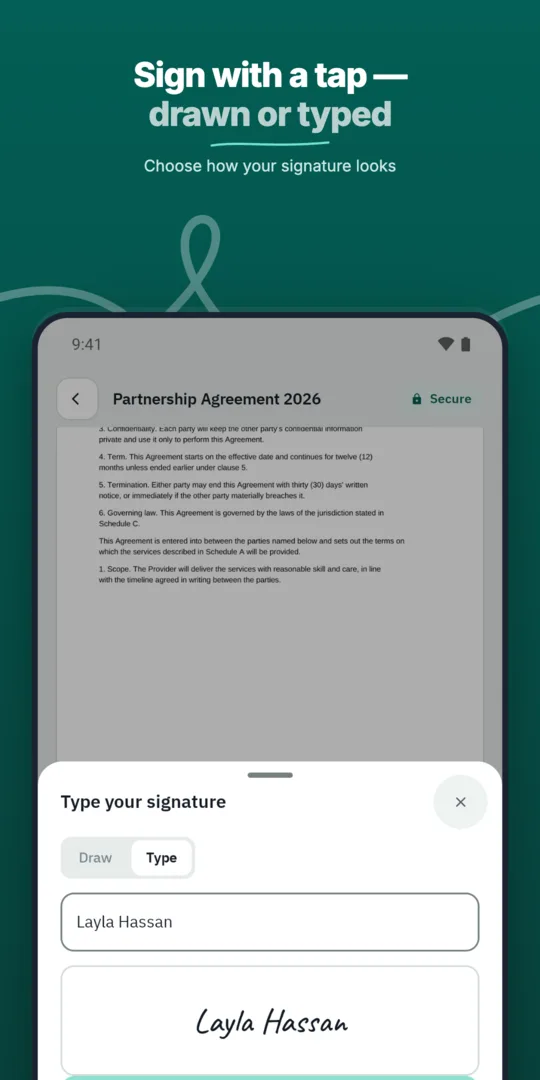
Send the batch.
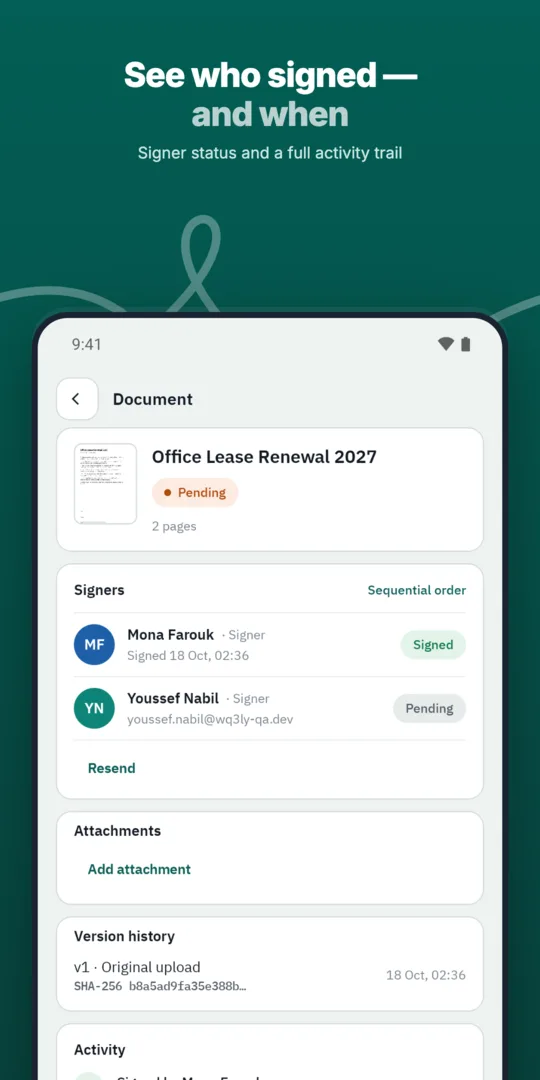
Follow completion for each copy.
Save the documents you send most often as templates with fields, roles and signing order ready.
Send offer letters, employment contracts and policy acknowledgements to employees and managers in the right order.
Start by checking whether every recipient genuinely needs the same content. If terms or obligations differ between groups, prepare separate batches rather than sending a single document that does not fit everyone. This makes later document reviews less ambiguous.
Review your recipient list for duplicates and people outside the document’s scope, then match the required roles to your chosen template. Where more than one party must sign, check that the signing order suits each copy. These are preparation checks for your team, not assumptions that the system automatically corrects your list.
A small template error can reach many copies in a bulk send, so give the final review particular attention. Confirm the approved wording, signature fields, roles and signing order before sending. Also check that dates or instructions within the text apply to everyone in the batch.
WQ3 locks documents once sent, so content approval should happen before that point. Assign responsibility within your team for approving the version and reviewing the recipient list, even if one person handles both tasks. Keeping those checks distinct helps separate content mistakes from distribution mistakes.
Recipient count alone does not determine the appropriate signature level; the agreement and organisational requirements matter more. WQ3 offers exactly three levels: electronic signature, remote signing and token signing. Electronic signatures suit everyday agreements, while remote or token signing serves formal, high-value contracts and digital-certificate requirements.
A different level can be set for each signer in the same document, which is useful when parties have different requirements. Where identity must be proven, eKYC is an account-verification add-on available with any level, not a fourth signing level. Settle these requirements before preparing the batch; bulk distribution does not replace applicable legal conditions.
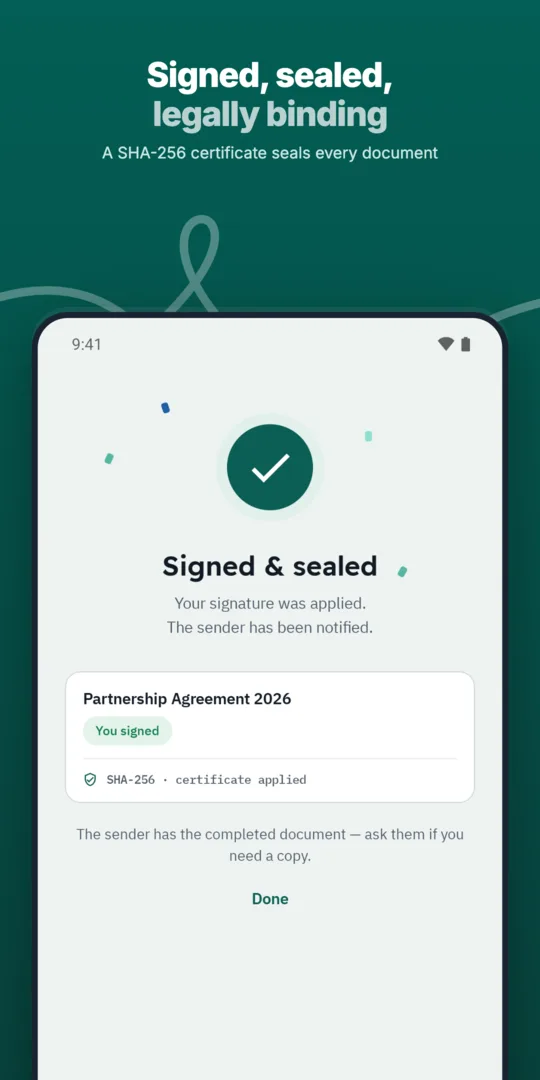
Decide how your team will associate each completed document with its recipient and the purpose of the send. Reviewing a batch as a whole cannot replace consulting an individual copy’s record when a question arises. Every completed WQ3 document includes an action record and completion certificate for reviewing what happened and when.
Keep the final file and completion certificate together in your team’s record-keeping process. For later checks, the QR code or reference provides access to public verification without an account. SHA-256 fingerprint comparison helps reveal changes to the file, distinguishing batch completion monitoring from checking the integrity of a particular document.
Explore more
Let every signer sign business documents electronically from a secure invitation link, on any device.
Learn moreSend any business document for signature in a few steps and follow its progress until it is complete.
Learn moreAdd every approver and signer a document needs, each with their own fields and role.
Learn moreDefine the exact order in which approvers and signers act, and WQ3 enforces it.
Learn moreSave the documents you send most often as templates with fields, roles and signing order ready.
Learn moreEvery action on a document is recorded, from sending to final signature, in a clear audit trail.
Learn moreCreate your WQ3 account, or talk to us about your organization’s requirements.
It is designed for the same document. For materially different terms, prepare separate documents or batches for groups sharing those terms.
Documents are locked once sent. Review wording, fields, roles and signing order before sending.
Signer access uses individual invitations and a private link that shows each signer only what is theirs.
eKYC is an account-verification add-on, not an inherent bulk-send requirement. Require an eKYC-verified account when signer identity must be proven.
No. Egypt’s Law No. 15 of 2004 gives electronic signatures and documents legal validity when its conditions are met; the sending method alone does not establish this.