

Multiple signers
Add every approver and signer a document needs, each with their own fields and role.
Features
Send any business document for signature in a few steps and follow its progress until it is complete.
Documents
Upload documents, organize them in folders and track every status.
The document is locked once sent, so everyone signs the same version.
See who has signed and who is still pending.
Automatic reminders keep signers moving.
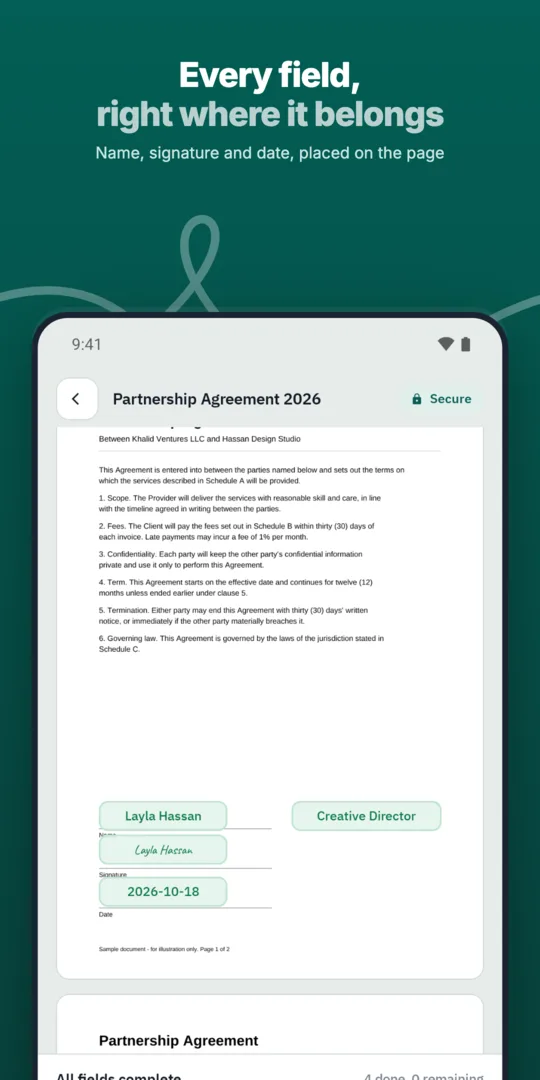
Upload or choose a template.
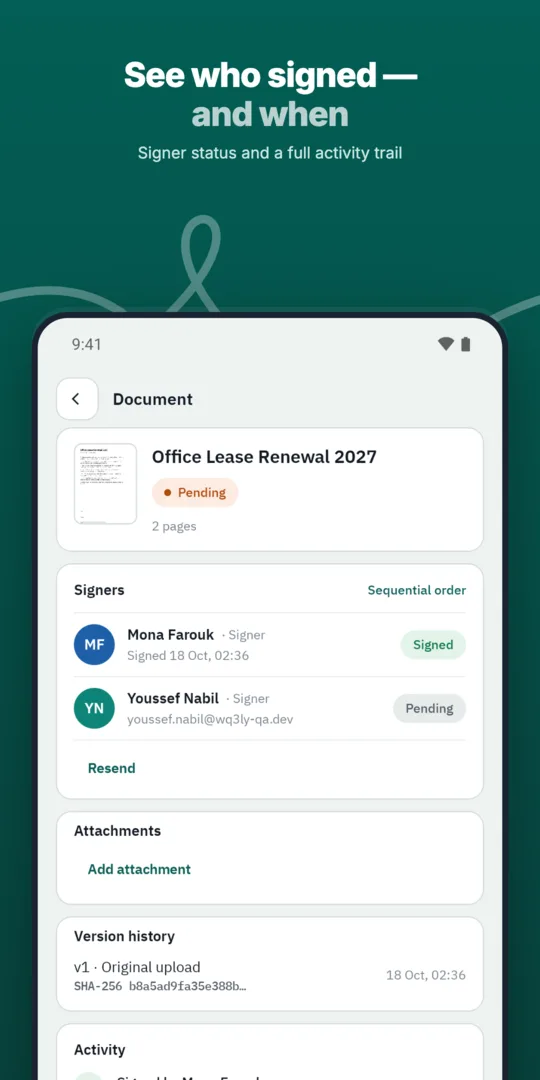
Add recipients and their roles.
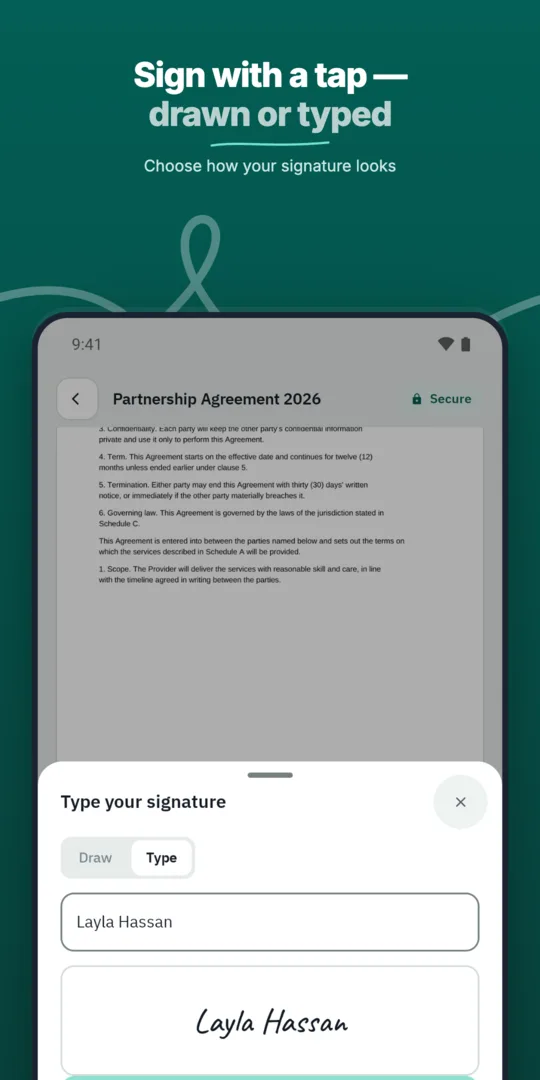
Send and track status.
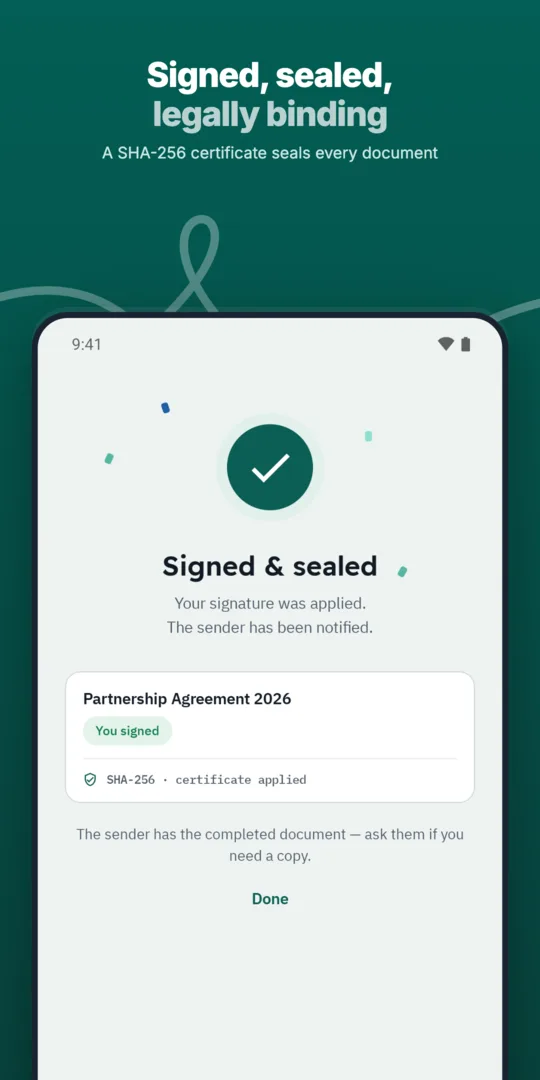
Receive the completed document.
Add every approver and signer a document needs, each with their own fields and role.
Define the exact order in which approvers and signers act, and WQ3 enforces it.
Send the same document to many recipients at once, each receiving their own copy to sign.
Start with what each recipient is being asked to commit to, not just their contact details. Check that the document contains the final terms, identifies the relevant parties and includes any referenced attachments; this is a practical preparation check before requesting signatures.
Confirm each person’s authority to sign on behalf of their organisation and any internal requirements that apply to the agreement. Verifying someone’s identity does not, by itself, establish their authority to bind a business, so resolve that question during preparation rather than assuming the signing process answers it.
WQ3 offers exactly three signing levels: electronic signature, remote signing and token signing. You can assign a different level to each signer within one document, allowing the request to reflect the agreement’s requirements rather than assuming every participant needs the same level.
Use electronic signatures for everyday agreements, and consider remote or token signing for formal, high-value contracts or organisations requiring a digital certificate. Where account-holder identity must be established, require the eKYC account-verification add-on alongside the chosen level; it works with any level and is not a fourth signing option.
Before sending, tell recipients which document to expect and why their signature is needed. Providing this context through your usual communication channels helps them understand the request, particularly when they were not involved in drafting the agreement or discussing its terms.
WQ3 gives each signer a private invitation link, with access limited to what belongs to them. Electronic signatures can be completed through a secure invitation link on any device, so direct recipients to their own invitation and check contact details before sending to avoid confusion about who is expected to act.
Think ahead to what your team will need when reviewing the agreement later. WQ3 records actions from sending through the final signature and provides an audit trail and completion certificate with every completed document; keep this evidence alongside the agreement in your internal records.
The completed document also has a public check page accessible through its QR code and reference without an account. This compares the file’s SHA-256 fingerprint with the stored fingerprint and shows signer names, signing levels and step timestamps, helping reviewers inspect file integrity and the action record rather than relying only on the visible signature.
Explore more
Let every signer sign business documents electronically from a secure invitation link, on any device.
Learn moreAdd every approver and signer a document needs, each with their own fields and role.
Learn moreDefine the exact order in which approvers and signers act, and WQ3 enforces it.
Learn moreSave the documents you send most often as templates with fields, roles and signing order ready.
Learn moreSend the same document to many recipients at once, each receiving their own copy to sign.
Learn moreEvery action on a document is recorded, from sending to final signature, in a clear audit trail.
Learn moreCreate your WQ3 account, or talk to us about your organization’s requirements.
No. You can choose electronic signature, remote signing or token signing separately for each signer in the same document.
No. eKYC verifies the account holder’s identity. It is an add-on available with all three signing levels, not a substitute for signing.
Yes. WQ3 supports electronic signatures through a secure invitation link on any device, including a phone.
Not automatically. WQ3 is aligned with Egyptian E-Signature Law No. 15 of 2004; legal validity depends on meeting applicable legal conditions.
No. The public check page supports verification without an account, using the QR code and reference on the completion certificate and final file.