

Finance
Route payment approvals, financial agreements and internal sign-offs in a clear order with a full record.
Use cases
Replace paper approval forms with a digital workflow that shows who approved and when.
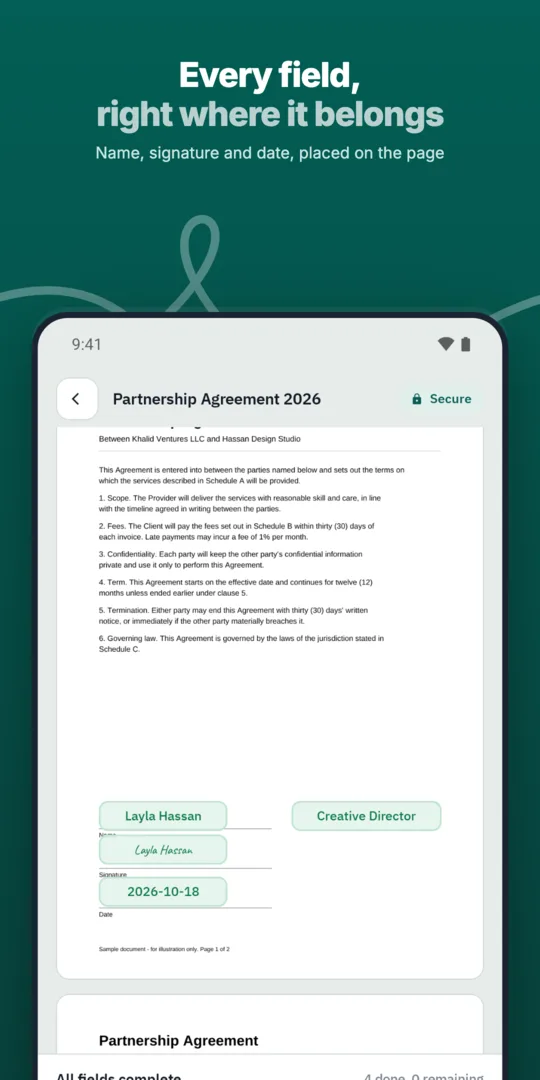
Create the request.
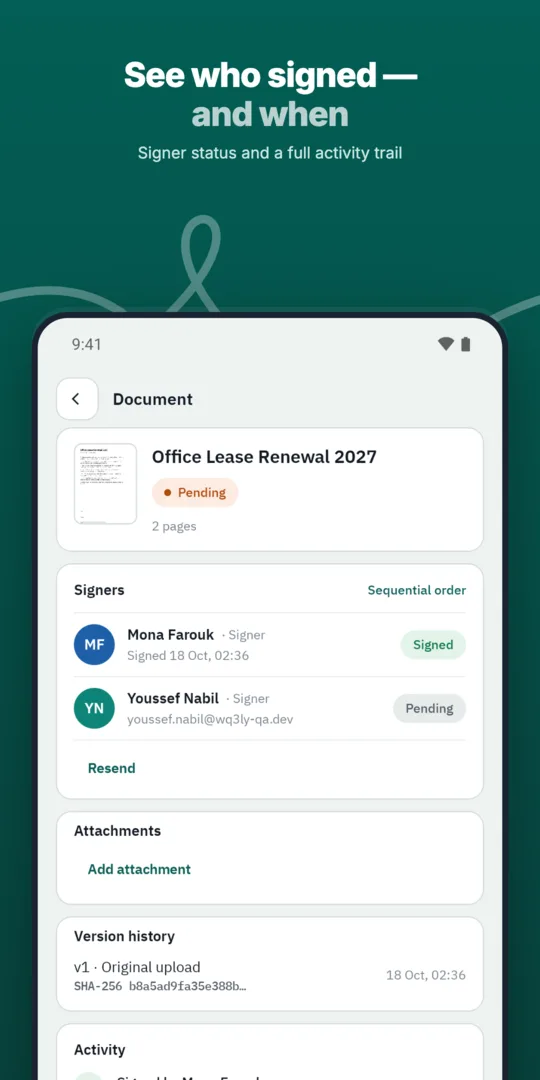
Approvers act in order.
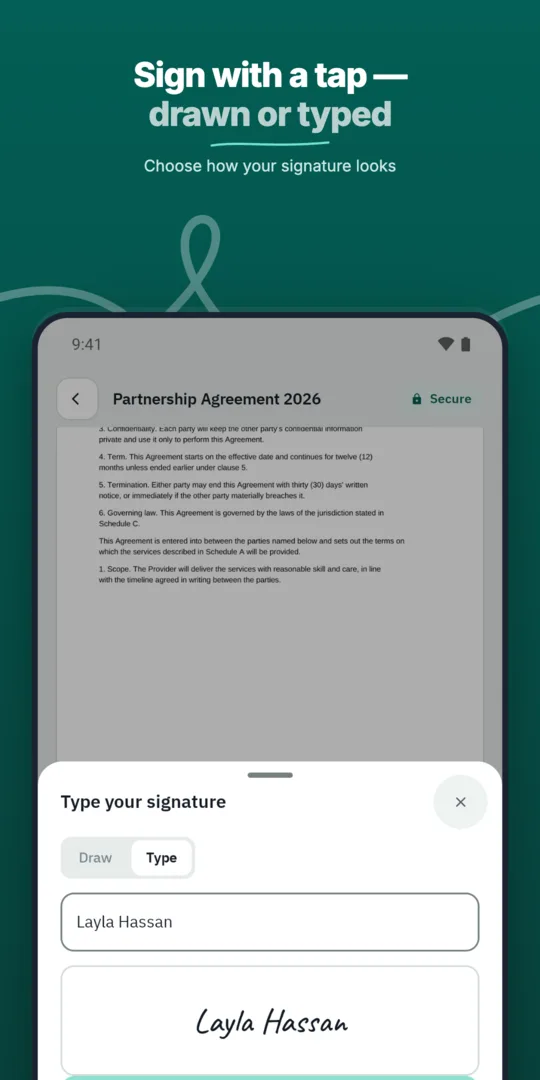
The final approver signs.
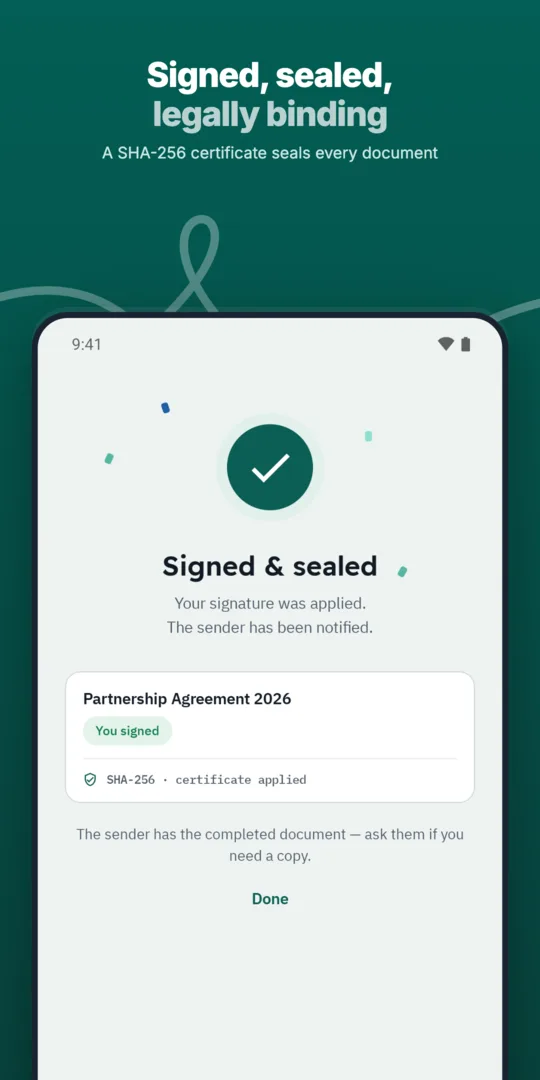
Everyone can see the outcome.
Route payment approvals, financial agreements and internal sign-offs in a clear order with a full record.
Digitize the forms, handovers and internal approvals that keep daily operations running.
Define the exact order in which approvers and signers act, and WQ3 enforces it.
Prepared, sent and signed entirely in WQ3.
Prepared, sent and signed entirely in WQ3.
Prepared, sent and signed entirely in WQ3.
Approval flows in a set order.
See who signed and who is late, with automatic reminders.
A timestamp, document fingerprint and completion certificate for every document, aligned with Law 15 of 2004.
Before sending an approval request, state the decision you need—not just the subject being discussed. For a spending request, useful details include the purpose, amount, budget owner, required timing and any conditions attached to approval. This gives reviewers a concrete basis for assessing the request without relying on separate conversations.
Distinguish supporting information from the statement that will actually be approved. Reviewing the business case for a purchase, for example, is not necessarily the same as authorising expenditure. Because WQ3 locks documents once sent, check names, amounts and decision wording before starting the workflow, so participants receive a clear document to act on.
Design the approval route around decision rights rather than the organisation chart alone. A manager might confirm operational need, a budget owner might assess available funding, and an authorised signatory might approve the commitment. These are examples of responsibilities to define within your organisation, not mandatory roles imposed by WQ3.
Explain what each person's participation means in the document or your internal procedure. Are they confirming factual accuracy, recommending that the request proceeds, or granting permission to act? Making those distinctions explicit helps preserve accountability when the record is reviewed later, especially by someone who was not involved in the original discussion and does not know its context.
Not every internal approval carries the same responsibility. WQ3 offers exactly three levels: electronic signature, remote signing and token signing, with a different level available for each signer in the same document. Choose according to organisational policy and the commitment involved, rather than treating every internally circulated document as equivalent.
Electronic signature can suit everyday approvals, while remote signing or token signing serves formal, high-value commitments and organisations requiring a digital certificate. Where identity must be proven, require an eKYC-verified account with any level; eKYC is an account-verification add-on. Identity verification establishes who the account holder is, while your organisation determines whether that person has authority to approve.
Decide what a future reviewer will need: the approved decision, the people involved and the sequence of actions. Keep the final document and completion certificate with the relevant internal records under your organisation's record-keeping policy. This makes the approval easier to revisit without reconstructing its context from scattered messages or earlier working copies.
File verification and authority checks answer different questions. Matching a document fingerprint helps detect changes, while the action record explains what happened during the signing process. Neither alone establishes that an expense met internal policy or that a signer held the necessary delegated authority, so review those matters alongside the approval record rather than treating technical evidence as a substitute.
Explore more
Prepare, approve and sign employment contracts with new hires without printing or scanning.
Learn moreSend offer letters candidates can accept and sign from their phone.
Learn moreGet NDAs signed before a meeting starts, by one or both parties.
Learn moreRoute purchase orders through internal approvals before they reach the supplier.
Learn moreSign agreements with suppliers in any location, with internal approval first.
Learn moreClose deals faster by sending sales contracts customers can sign the same day.
Learn moreCreate your WQ3 account, or talk to us about your organization’s requirements.
No. The eKYC add-on helps verify the account holder's identity; it does not grant authority to approve a budget or bind the organisation. Your organisation remains responsible for defining delegated authority.
Yes. WQ3 lets you set a different level for each signer in the same document: electronic signature, remote signing or token signing, according to each participant's requirements.
WQ3 locks documents once sent, so do not treat the circulated copy as an editable draft. Prepare a corrected request and follow your internal procedure for superseding the earlier request, making clear which version is intended for approval.
No account is needed to use WQ3's public check page. The QR code or reference provides access to verification of the signed document's authenticity, including a file-fingerprint comparison.
Not automatically. Egyptian E-Signature Law No. 15 of 2004 and its executive regulations give electronic signatures and documents equivalent legal validity when the relevant conditions are met. WQ3 is aligned with this framework; document-specific requirements and internal authority rules still matter.