

Procurement
Route purchase orders and supplier agreements through internal approvals and supplier signature.
Use cases
Route purchase orders through internal approvals before they reach the supplier.
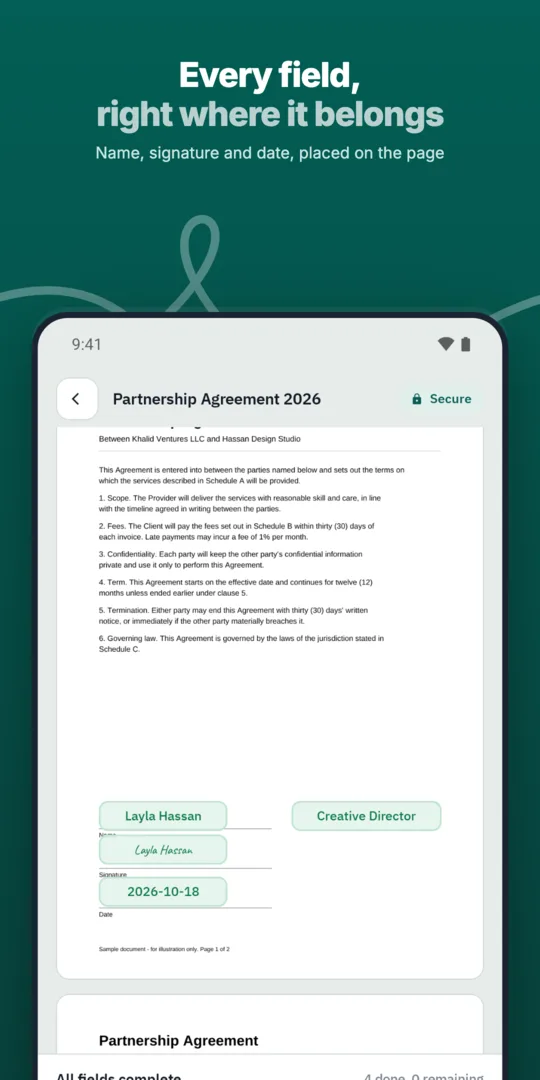
Procurement prepares the order.
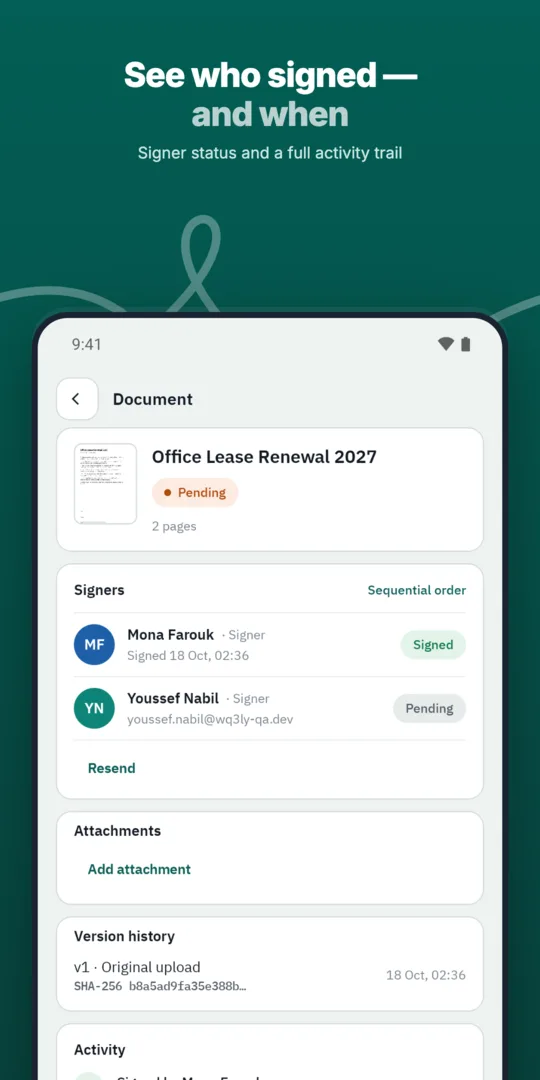
Approvers act in order.
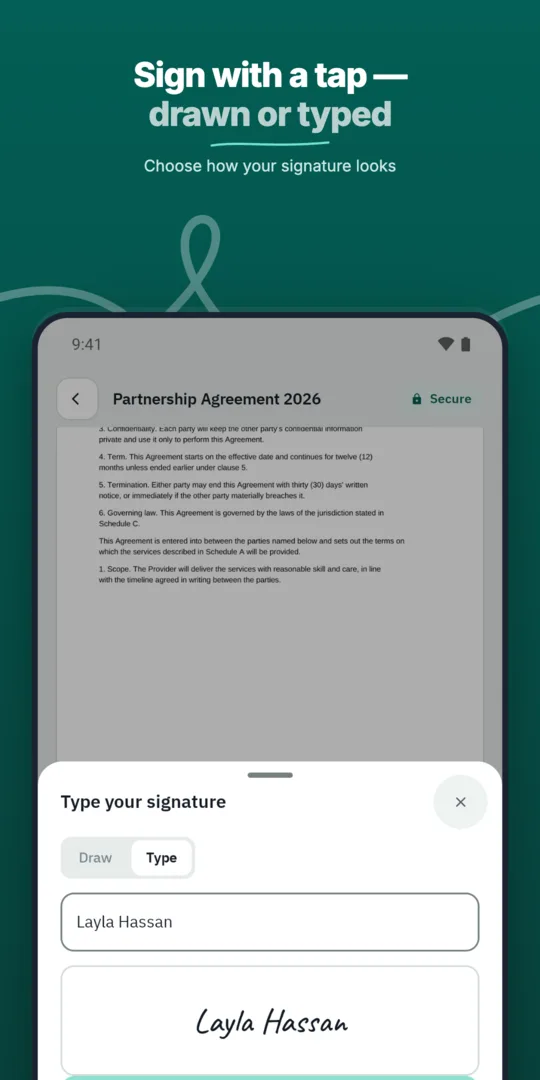
The supplier acknowledges.
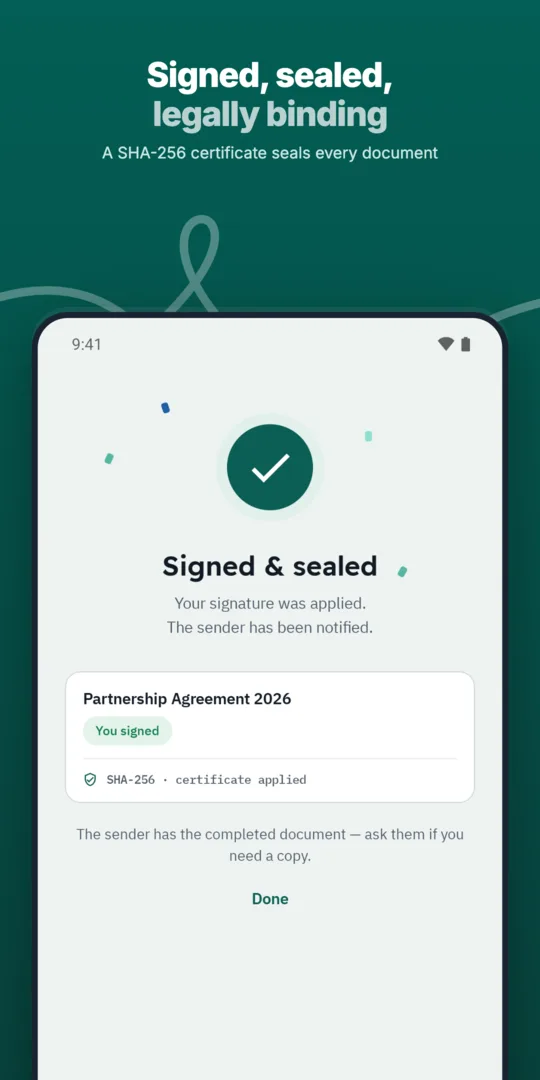
The record is kept with its audit trail.
Route purchase orders and supplier agreements through internal approvals and supplier signature.
Define the exact order in which approvers and signers act, and WQ3 enforces it.
Connect WQ3 to ERP, HR, CRM, productivity and storage systems, or build a custom integration.
Prepared, sent and signed entirely in WQ3.
Prepared, sent and signed entirely in WQ3.
Prepared, sent and signed entirely in WQ3.
Purchase orders with fields ready for the supplier.
See who signed and who is late, with automatic reminders.
A timestamp, document fingerprint and completion certificate for every document, aligned with Law 15 of 2004.
Before signing begins, review the purchase order as a complete commercial record: supplier name, item descriptions, quantities, agreed prices, delivery location and payment terms. If it relies on a quotation or an earlier agreement, include a clear reference so reviewers understand the basis of the purchase.
This check matters because WQ3 documents are locked once sent. Resolve outstanding questions about specifications or dates before that point, and state what the supplier’s signature means: acknowledging receipt, accepting the order’s terms or agreeing to a delivery date.
Knowing who signed does not necessarily establish their authority to commit an organisation. As part of your procurement process, identify who checks the requirement, who authorises the spending commitment and who can sign for the supplier. Include the relevant role or authorisation reference in the document where needed.
WQ3 offers electronic signature, remote signing and token signing, with a different level available for each signer in the same document. Choose according to the order’s value, purpose and organisational requirements. Use the eKYC account-verification add-on when identity checks are needed; it does not replace checking someone’s authority to represent the business.
If quantities, prices or delivery terms change after signing, do not treat an edited copy of the completed order as a routine update. Prepare a change order that references the original and identifies the revised terms, including whether everything else remains unchanged. This gives later reviewers a clear account of the original agreement and its amendment.
Keep the completed change order alongside the original purchase order and their respective signing records. WQ3’s document fingerprint reveals file changes, but it does not explain their commercial purpose. The amendment itself should state the reason, effective date and parties whose agreement is required.
When reviewing a completed order, distinguish evidence of agreement from evidence of performance. A signing record can show who signed and when; it does not by itself prove that goods arrived, met specifications or were paid for. Keep delivery acknowledgements and other relevant operational documents with the purchase record.
For authenticity checks, WQ3’s public verification page lets reviewers check the file fingerprint and see signer names, signature levels and timestamps without an account. Reviewers can reach it using the QR code or reference. These records support internal review, while legal validity depends on meeting applicable legal conditions, not simply on having a signature.
Explore more
Prepare, approve and sign employment contracts with new hires without printing or scanning.
Learn moreSend offer letters candidates can accept and sign from their phone.
Learn moreGet NDAs signed before a meeting starts, by one or both parties.
Learn moreSign agreements with suppliers in any location, with internal approval first.
Learn moreClose deals faster by sending sales contracts customers can sign the same day.
Learn moreService agreements, onboarding forms and renewals signed by customers remotely.
Learn moreCreate your WQ3 account, or talk to us about your organization’s requirements.
Define its meaning in the document. Acknowledging receipt and accepting commercial terms are different commitments and should not be left ambiguous.
Yes. WQ3 lets you set a different signature level for each signer in the same document.
No. It is an account-verification add-on that can be used with any of the three signing levels.
Documents are locked after sending. Prepare a corrected document for review and clearly identify its relationship to the earlier order.
No. The public verification page supports fingerprint checks and access to the available signing record without an account.