

Sales
Send quotes, sales contracts and customer agreements for signature and close faster.
Use cases
Service agreements, onboarding forms and renewals signed by customers remotely.
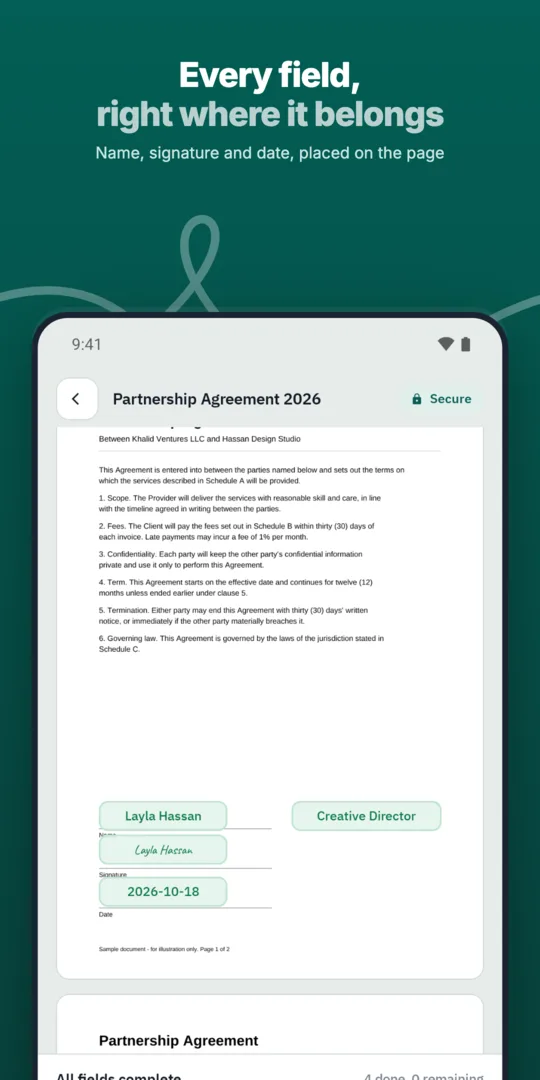
Start from a template.
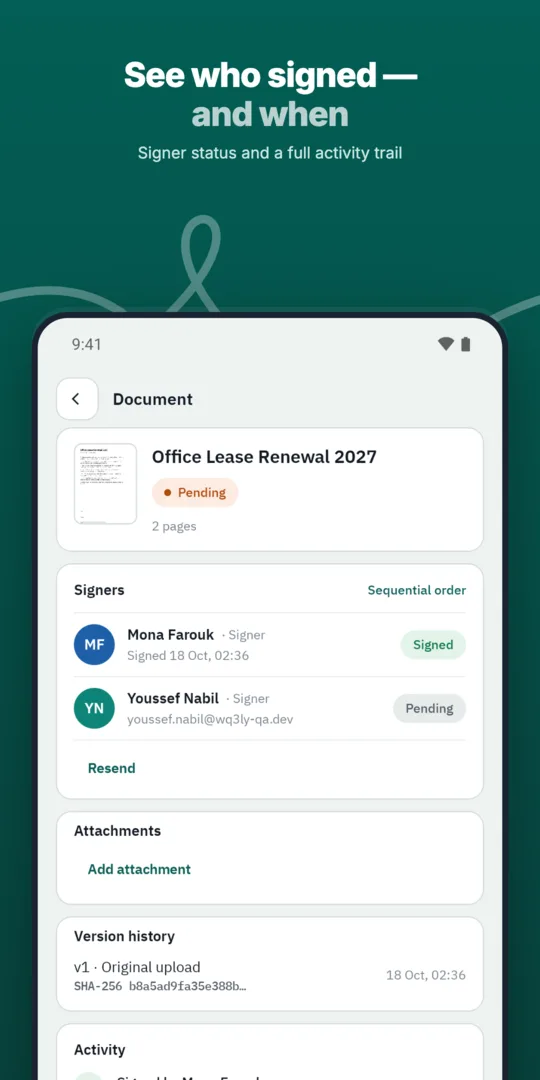
Send to the customer.
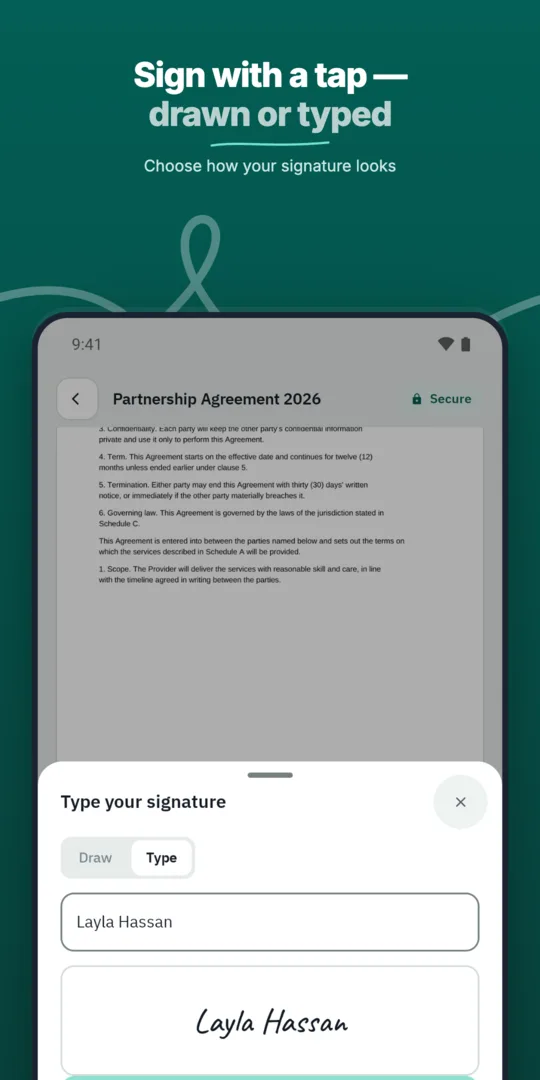
Reminders keep it moving.
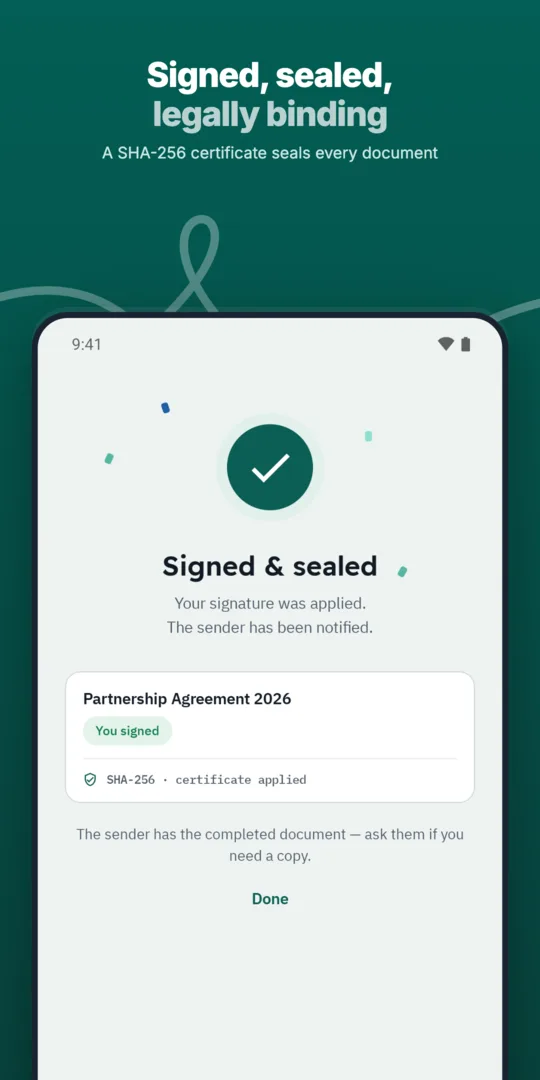
The signed copy is stored with its record.
Send quotes, sales contracts and customer agreements for signature and close faster.
Save the documents you send most often as templates with fields, roles and signing order ready.
Let users sign inside your own website, portal or application through the WQ3 API.
Prepared, sent and signed entirely in WQ3.
Prepared, sent and signed entirely in WQ3.
Prepared, sent and signed entirely in WQ3.
Standard customer agreements with your terms.
See who signed and who is late, with automatic reminders.
A timestamp, document fingerprint and completion certificate for every document, aligned with Law 15 of 2004.
Before sending an agreement, check whether the customer can understand the service scope and their obligations from the document itself. Identify what is included, when obligations begin, any exclusions, and the terms governing cancellation or renewal. If the agreement refers to another document, identify its title and version so the customer knows which terms they are accepting.
For business customers, confirm that the named signer is authorised to accept the terms on the organisation's behalf. Complete this review before sending: WQ3 locks documents once sent. Clear terms and signing authority are separate from the signature process, and both deserve attention.
Customer agreements do not all need the same signature level. WQ3 offers exactly three: electronic signature, remote signing and token signing. Start with the agreement's purpose, value and any requirements imposed by the customer's organisation, rather than applying one level to every commercial relationship.
Use electronic signature for everyday agreements; consider remote signing or token signing for formal, high-value contracts or digital-certificate requirements. You can assign different levels to signers within the same document. Where account-holder identity also needs verification, add eKYC to any level; it is an account-verification add-on, not a fourth signing level.
Verifying a customer's identity helps establish who is signing, but does not by itself establish authority to bind a company or accept every type of agreement. Distinguish the individual, their role and the organisation they represent. Request evidence of signing authority where your own procedures require it.
WQ3 provides an individual private signing link and role-based access controls. Checking recipient details nevertheless remains an important preparation step. Confirm the customer's name, capacity and invitation details before sending, particularly when one contact coordinates the agreement and another person signs it.
Customer service, finance and legal teams may later review an agreement for different reasons. In your record-keeping process, identify which completed agreement governs the relationship and whether a later agreement replaces it. Keep the completion record alongside the document so reviews use the same version.
If authenticity is questioned, WQ3's public check page allows verification without an account using a QR code or reference. SHA-256 fingerprint comparison reveals file changes, while the record shows signer names, signature levels and step timestamps. Use this evidence to review authenticity and chronology, not as proof that services were delivered or invoices paid.
Explore more
Prepare, approve and sign employment contracts with new hires without printing or scanning.
Learn moreSend offer letters candidates can accept and sign from their phone.
Learn moreGet NDAs signed before a meeting starts, by one or both parties.
Learn moreRoute purchase orders through internal approvals before they reach the supplier.
Learn moreSign agreements with suppliers in any location, with internal approval first.
Learn moreClose deals faster by sending sales contracts customers can sign the same day.
Learn moreCreate your WQ3 account, or talk to us about your organization’s requirements.
Yes. WQ3 lets you assign a different signature level to each signer in the same document according to the agreement's requirements.
eKYC is an account-verification add-on, not a mandatory signing level. Require an eKYC-verified account when your process needs the signer's identity proven.
Yes. Embedded signing through the WQ3 API lets users sign inside your website, portal or application.
No. Egypt's Law No. 15 of 2004 provides legal validity when its conditions are met. WQ3 is aligned with this framework; agreement-specific requirements still need review.
No. The public check page can be used without an account, through the agreement's verification QR code or reference.