

Certificate signing
Sign with an existing digital certificate or USB token on desktop, alongside electronic signatures.
Features
Sign documents on desktop with a digital certificate stored on a USB token.
Use tokens your organization already issues.
Suited to documents that need a higher level of assurance.
Can be combined with electronic signatures in the same workflow.
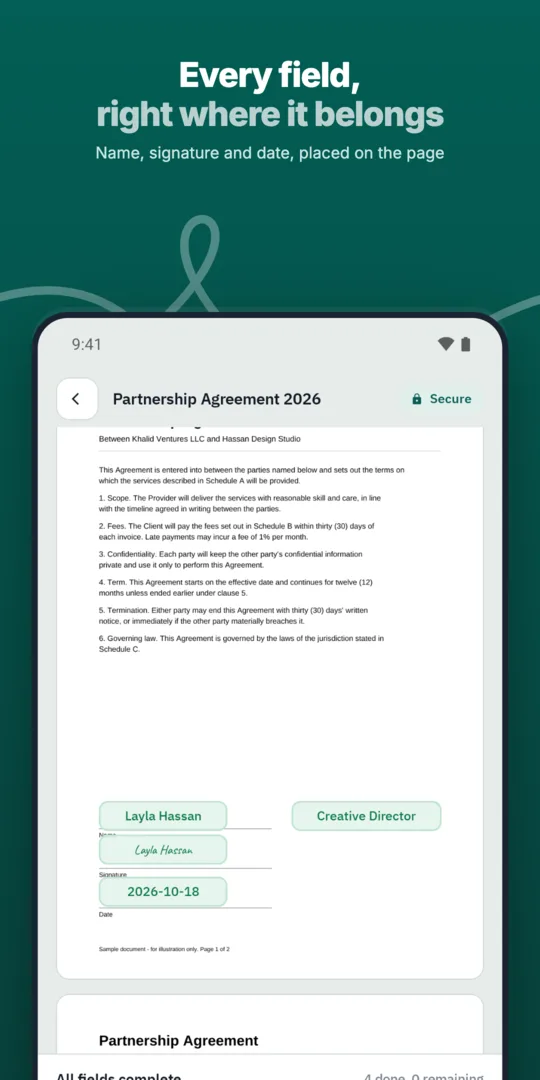
Insert your token on a desktop computer.
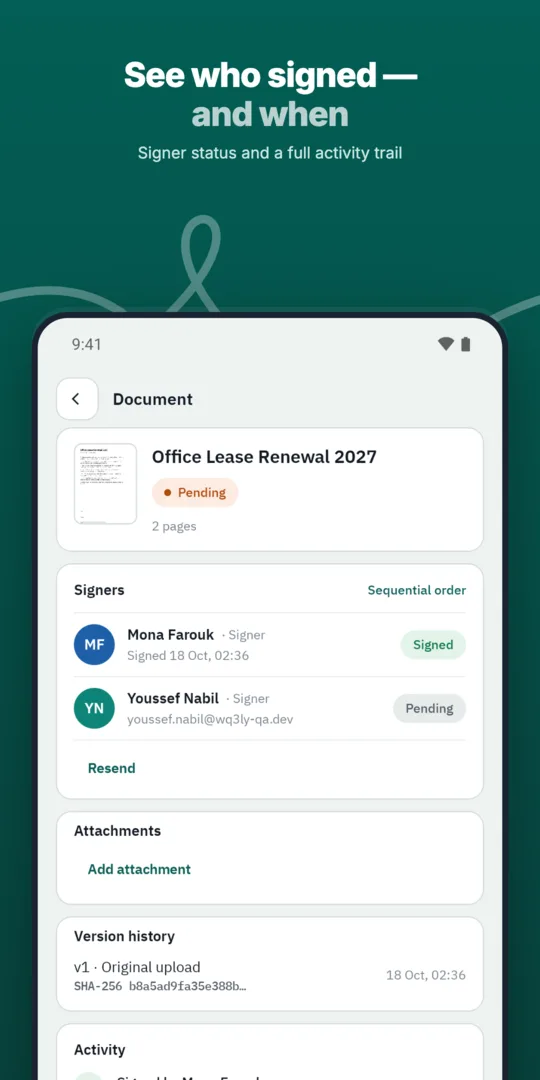
Open the document from your invitation.
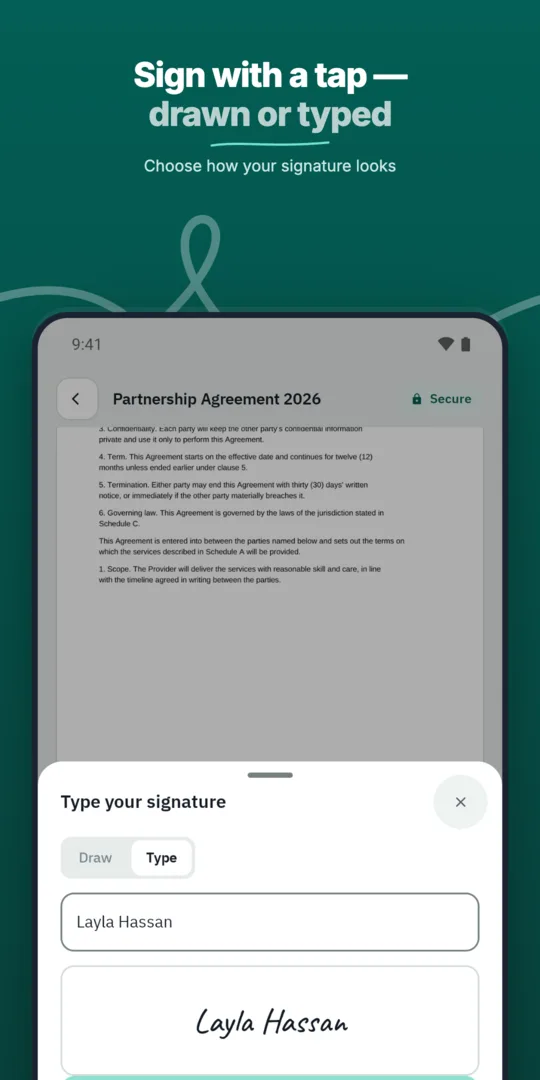
Choose certificate signing and enter your PIN.
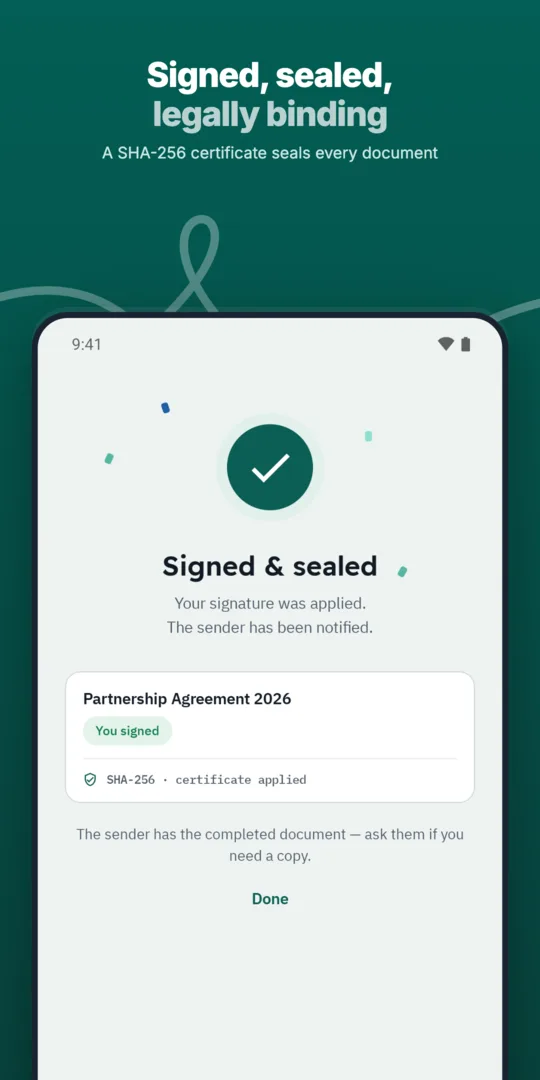
The document is signed with your certificate.
Sign with an existing digital certificate or USB token on desktop, alongside electronic signatures.
Apply your organization's seal to documents so recipients can see they were issued by your organization.
How WQ3 approaches security, privacy, digital signatures and the audit trail.
Support depends on your certificate provider and device. We run a compatibility check with you before enabling it.
Token signing is a desktop flow. Other signers can still sign electronically on mobile.
Start with the requirements that apply to each participant, rather than choosing one signing method for everyone. WQ3 lets you assign a different level to each signer in the same document, so identify whose organizational policy calls for token signing and who needs electronic signature or remote signing.
Keep that decision separate from account identity verification. The eKYC add-on can be required with any of the three signing levels; it is not a fourth level or a replacement for selecting the appropriate signing method. Separating these decisions makes the requirements for a formal or high-value agreement clearer before invitations go out.
Review the document content and intended participants before sending, because WQ3 locks documents once they are sent. This makes the pre-send review an important version-control step: token signing takes place within a controlled document workflow, rather than as an isolated action disconnected from the agreement being reviewed.
Each signer receives an individual invitation, while roles and permissions govern access to what belongs to them. When preparing an agreement, review signing requirements and access permissions as separate questions. A token requirement determines how a person signs; access controls determine what that person is allowed to see within the workflow.
A review of a token-signed document should not depend on the signature’s appearance alone. WQ3 provides a full audit trail and completion certificate alongside tamper-evident final documents. Keep the final file and completion certificate together in your organization’s records so reviewers can examine the agreement and its sequence of actions.
The public check page makes the contract available for verification without an account, using its QR code or reference. Verification includes signer names, signature level and the timestamp of each step, while a SHA-256 fingerprint comparison reveals changes to the file. This gives reviewers a way to examine both the signing record and whether the file matches the recorded version.
WQ3 is aligned with Egyptian E-Signature Law No. 15 of 2004 and its executive regulations. The law gives electronic signatures and electronic documents the same legal validity as handwritten signatures and paper documents when the applicable conditions are met. Using a token should therefore not be treated as automatic proof that every condition has been satisfied for every transaction.
For agreements subject to formal review, assess certificate requirements, signer identity, document integrity and the audit record together. WQ3 supports these considerations through signer identity checks, private signing links, tamper-evident documents and completion certificates. Where a particular transaction requires specific legal treatment, seek appropriate review rather than relying on the signing-level label alone.
Explore more
Let every signer sign business documents electronically from a secure invitation link, on any device.
Learn moreSend any business document for signature in a few steps and follow its progress until it is complete.
Learn moreAdd every approver and signer a document needs, each with their own fields and role.
Learn moreDefine the exact order in which approvers and signers act, and WQ3 enforces it.
Learn moreSave the documents you send most often as templates with fields, roles and signing order ready.
Learn moreSend the same document to many recipients at once, each receiving their own copy to sign.
Learn moreCreate your WQ3 account, or talk to us about your organization’s requirements.
No. Token signing is one of the three signing levels; eKYC is an account-verification add-on that can be required with any level.
WQ3 locks documents once sent. Review the content and signer requirements before sending.
Keep the final document and completion certificate together; the certificate carries the audit trail for review and record keeping.
No. The public check page uses the QR code or reference to let reviewers examine the contract record and check the file fingerprint.
No. Legal validity under Egyptian E-Signature Law No. 15 of 2004 depends on meeting the applicable conditions, not solely on using a token.