

Electronic signature
Let every signer sign business documents electronically from a secure invitation link, on any device.
Features
Collect signatures from people in other cities or countries without printing, scanning or couriers.
Signers act from wherever they are, on desktop or mobile.
Contracts close in days instead of weeks.
Every remote action is captured in the audit trail.
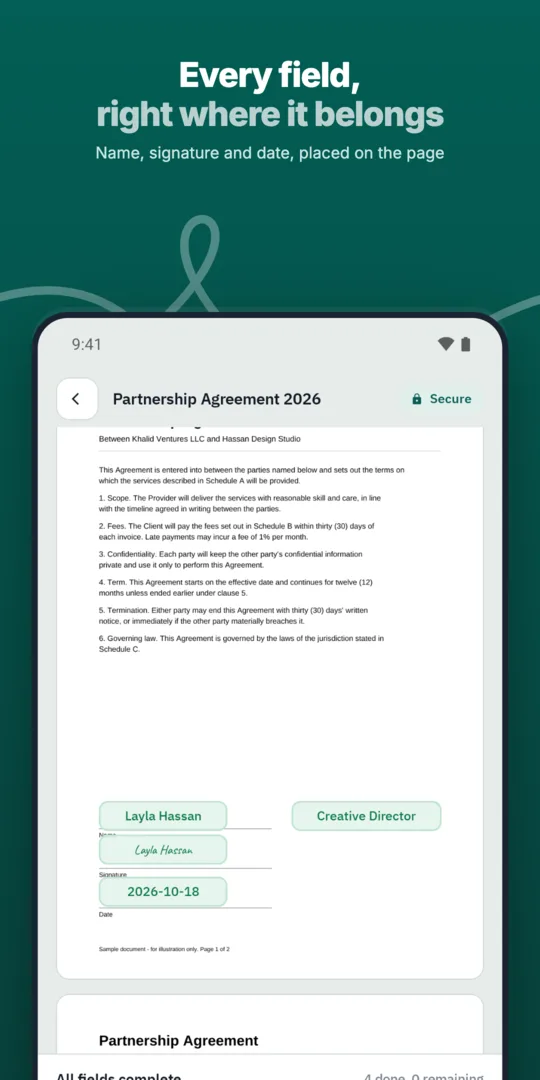
Upload the document.
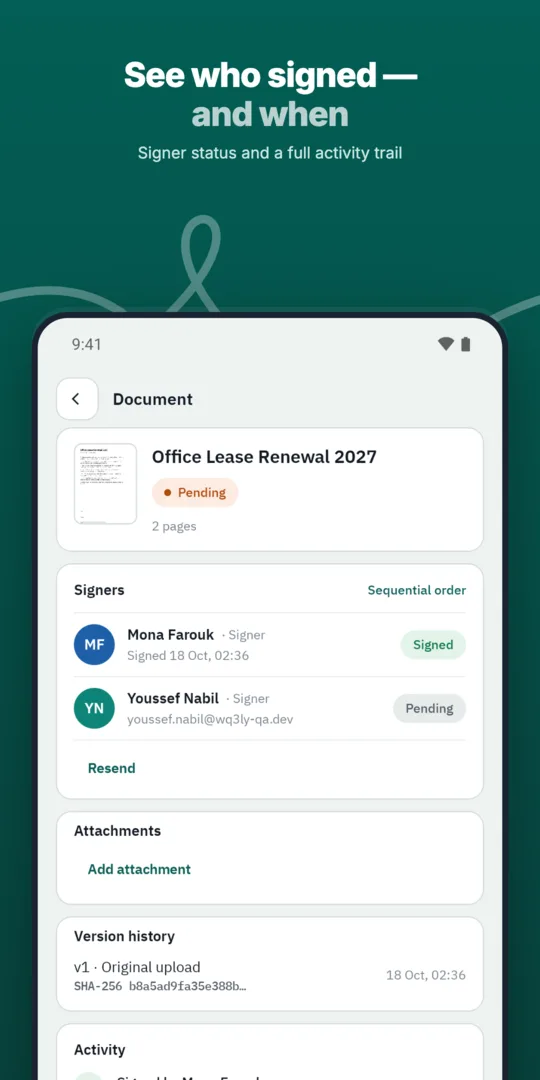
Add remote signers.
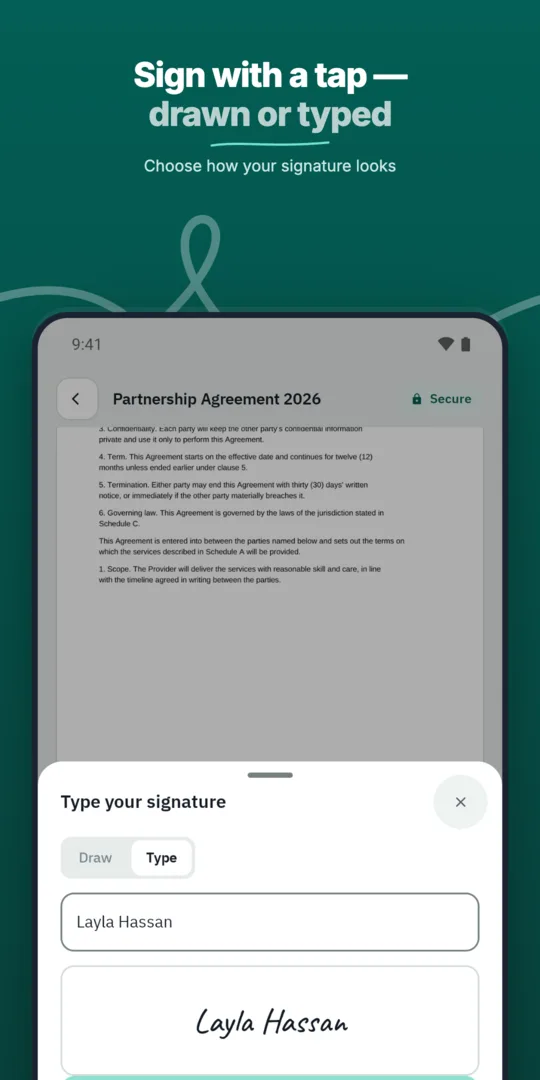
They sign from their invitation.
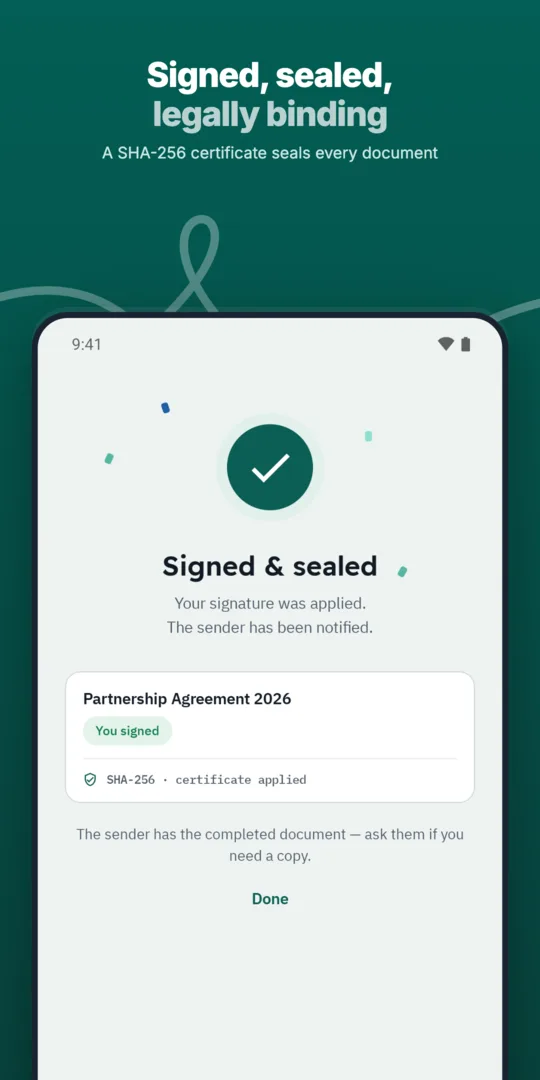
Everyone receives the final copy.
Let every signer sign business documents electronically from a secure invitation link, on any device.
Each signer receives a personal, secure link that opens only their part of the document.
Add every approver and signer a document needs, each with their own fields and role.
Distance alone should not determine the signature level you choose: the agreement and the receiving organisation’s requirements matter too. WQ3 offers exactly three levels: electronic signature, remote signing and token signing. Remote signing is an option for formal or high-value contracts and organisations that require a digital certificate.
Before sending, identify the requirements for each participant rather than assuming everyone needs the same level. WQ3 lets you assign a different signing level to each signer within one document. Confirm any certificate requirements with the receiving organisation or your legal adviser, so the choice reflects the transaction rather than convenience alone.
When participants do not meet face to face, identity verification deserves its own place in contract preparation. WQ3’s eKYC add-on verifies the account holder’s identity, and an eKYC-verified account can be required with any of the three signing levels. It is not a fourth level or a replacement for choosing the appropriate signature level.
Also establish the capacity in which each person is signing and whether the transaction requires evidence of authority to represent an organisation. Verifying an account holder’s identity and confirming their organisational authority are separate questions. Resolving these points beforehand helps your team define identity, authorisation and signature requirements clearly before sending the document.
Plan for the person who may need to review the contract later, not just those taking part in signing. Every completed WQ3 document comes with a completion certificate, and final documents are tamper-evident. Keep the final file and its completion certificate together as part of your organisation’s contract record-keeping process.
WQ3’s public check page lets a reviewer check authenticity without an account, using the contract’s QR code and reference. The file’s SHA-256 fingerprint is compared with the stored fingerprint to reveal changes, while the record shows signer names, signature level and step timestamps. Use this evidence during review or handover; it helps check file integrity but does not replace legal assessment of the contract’s contents or intended use.
The ability to complete signing across countries does not mean every contract follows the same legal rules. WQ3 is aligned with Egypt’s E-Signature Law No. 15 of 2004 and its executive regulations, which recognise electronic signatures and documents when their conditions are met. Choosing remote signing therefore remains one part of contract preparation, not a blanket guarantee for every transaction.
Before sending, review the governing law, document type and any requirements imposed by the organisation that will rely on the agreement. WQ3 is also aligned with ESIGN and UETA in the United States and eIDAS in the European Union, but that does not remove their specific conditions or exceptions. For high-value or regulated transactions, ask qualified legal counsel to review the suitability of the signing level, digital certificate and supporting evidence.
Explore more
Let every signer sign business documents electronically from a secure invitation link, on any device.
Learn moreSend any business document for signature in a few steps and follow its progress until it is complete.
Learn moreAdd every approver and signer a document needs, each with their own fields and role.
Learn moreDefine the exact order in which approvers and signers act, and WQ3 enforces it.
Learn moreSave the documents you send most often as templates with fields, roles and signing order ready.
Learn moreSend the same document to many recipients at once, each receiving their own copy to sign.
Learn moreCreate your WQ3 account, or talk to us about your organization’s requirements.
No. WQ3 lets you assign a different level to each signer within one document, according to the contract and recipient’s requirements.
No. It is an account-verification add-on that can be used with electronic signature, remote signing or token signing.
WQ3 documents are locked once sent. Review the terms and signer details before starting the signing process.
No. The public check page supports authenticity checks without an account, using the contract’s QR code and reference.
There is no universal acceptance rule for every transaction. Legal validity depends on the applicable law, document type and fulfilment of relevant conditions.