

Send for signature
Send any business document for signature in a few steps and follow its progress until it is complete.
Features
WQ3 reminds pending signers so documents keep moving without manual follow-up.
Settings & notifications
Profile, security, notifications and language in one place.
Less chasing by email and phone.
Signers are reminded only while their action is pending.
Senders always see who is still pending.
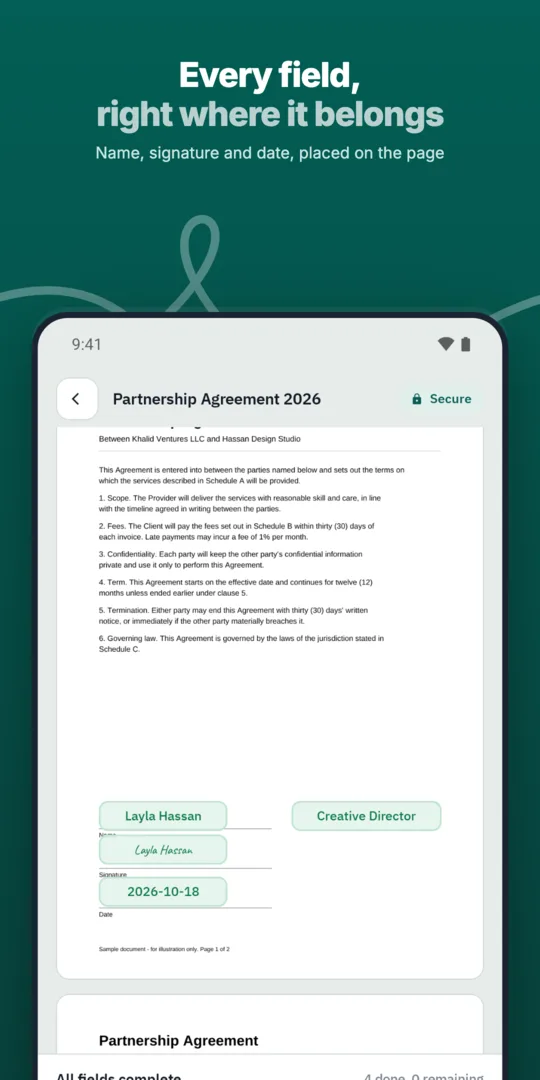
Send the document.
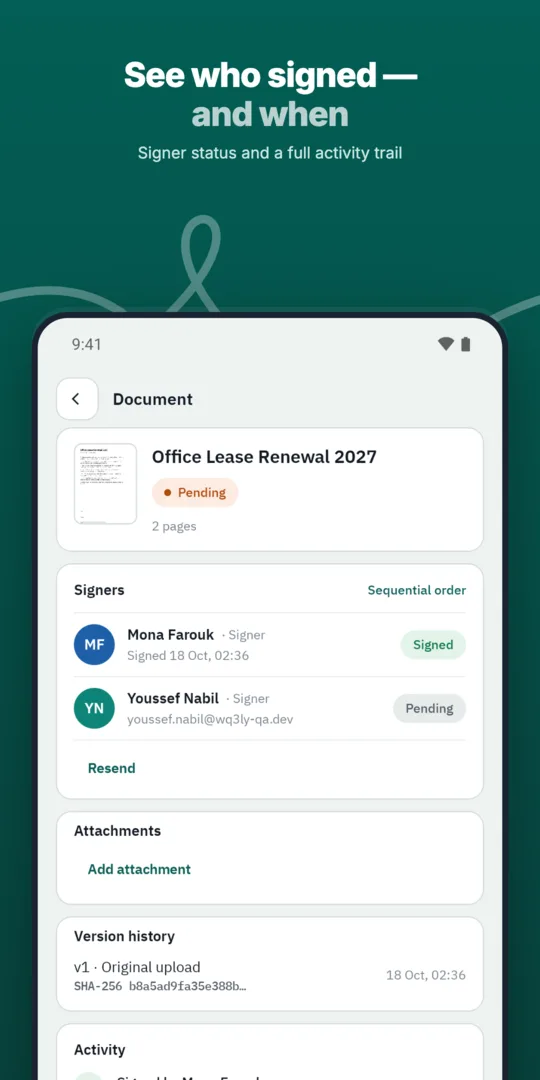
WQ3 tracks who still needs to act.
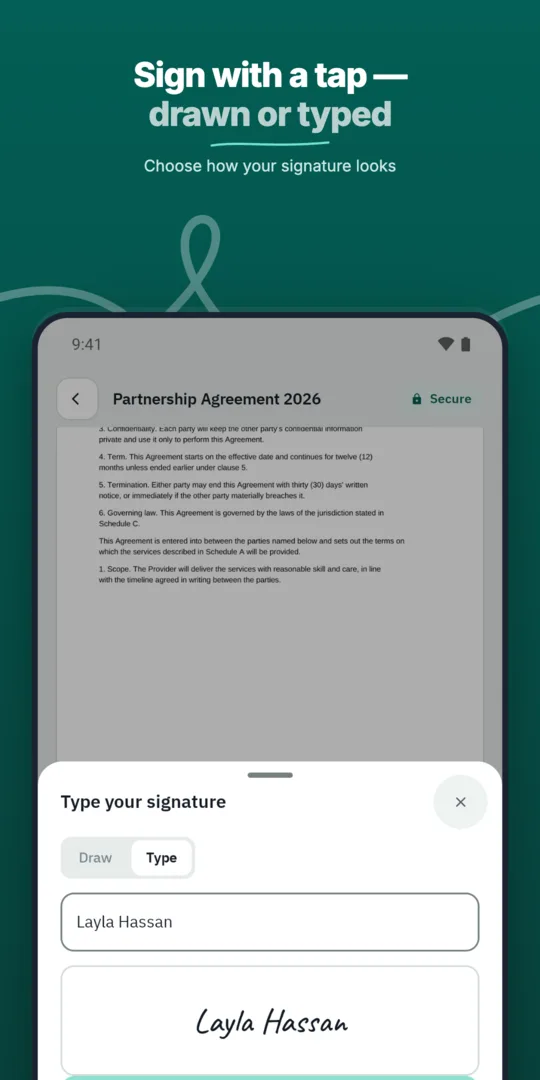
Pending signers receive reminders.
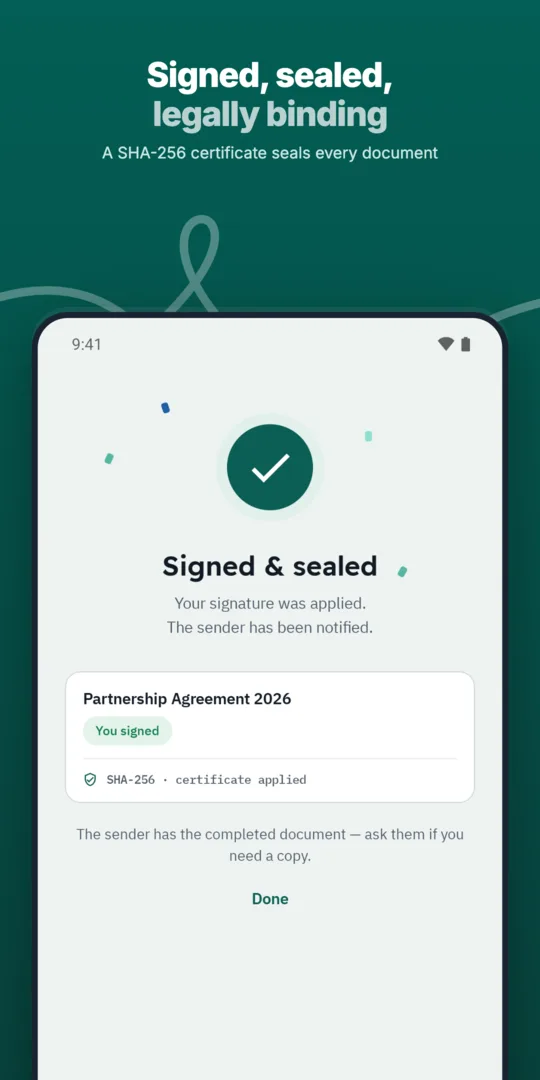
Reminders stop once they sign.
Send any business document for signature in a few steps and follow its progress until it is complete.
Each signer receives a personal, secure link that opens only their part of the document.
Define the exact order in which approvers and signers act, and WQ3 enforces it.
Reminders are more useful when recipients already understand the request. Before sending, explain the document’s purpose, identify the people involved, and discuss any target completion date with them. This helps avoid a reminder reaching someone who is still waiting for basic context about the agreement.
Review the content and signing requirements before sending: WQ3 documents are locked once sent. If the agreement needs further discussion, resolve that before requesting signatures rather than relying on reminders to settle it. Treat a reminder as a prompt to revisit a ready-to-sign request, not a substitute for preparing a clear one.
An outstanding signature does not explain the reason for a delay. A recipient may need clarification about a clause, confirmation of signing authority, or an explanation of the required signature level. When reviewing outstanding requests, use follow-up to distinguish between someone needing more time and someone needing a specific answer.
Within your team, decide who will handle questions about document content and, where needed, signing requirements. If a delay continues, ask about the obstacle instead of simply repeating the request to sign. This lets reminders support routine follow-up while direct conversations address issues that require a decision or explanation.
For a document involving several people, map the approval path before sending. One participant may depend on another person’s review before the agreement is ready for their signature. Your completion plan should account for these dependencies rather than assume that every participant can act immediately.
Prepare each participant for their signing requirements too: WQ3 allows a different level for each signer in the same document—electronic signature, remote signing, or token signing. eKYC is an account-verification add-on, not a fourth signing level. Explaining these requirements in advance helps recipients prepare before they need to act.
Reminders help keep a signing request in view, but a reminder is neither a signature nor evidence of agreement. In internal reviews, distinguish a document awaiting action from one whose signing process is complete. Do not treat an elapsed target date or a lack of response as completion.
After completion, use the document’s audit trail and completion certificate for record keeping rather than informal follow-up summaries. If another party needs to check the file’s authenticity, WQ3’s public verification page is available without an account. This places reminders within a broader process: a clear request, the required action, and a documented completion record.
Explore more
Let every signer sign business documents electronically from a secure invitation link, on any device.
Learn moreSend any business document for signature in a few steps and follow its progress until it is complete.
Learn moreAdd every approver and signer a document needs, each with their own fields and role.
Learn moreDefine the exact order in which approvers and signers act, and WQ3 enforces it.
Learn moreSave the documents you send most often as templates with fields, roles and signing order ready.
Learn moreSend the same document to many recipients at once, each receiving their own copy to sign.
Learn moreCreate your WQ3 account, or talk to us about your organization’s requirements.
No. It draws attention to the request but cannot guarantee a response. Discuss important deadlines beforehand and follow up directly on obstacles.
No. Address questions first; a reminder alone cannot resolve disputed wording or clarify someone’s authority to sign.
No. Follow-up and identity verification serve different purposes; eKYC is available as an account-verification add-on with any of the three signing levels.
Identify participants, approval dependencies, and each person’s required signature level before sending the document.
Use the completed document’s audit trail and completion certificate, not follow-up messages or assumptions based on silence.