All integrations
The business systems and cloud storage WQ3 integrates with.
Integrations
WQ3 integrates with Box so you sign documents without moving them between systems by hand.
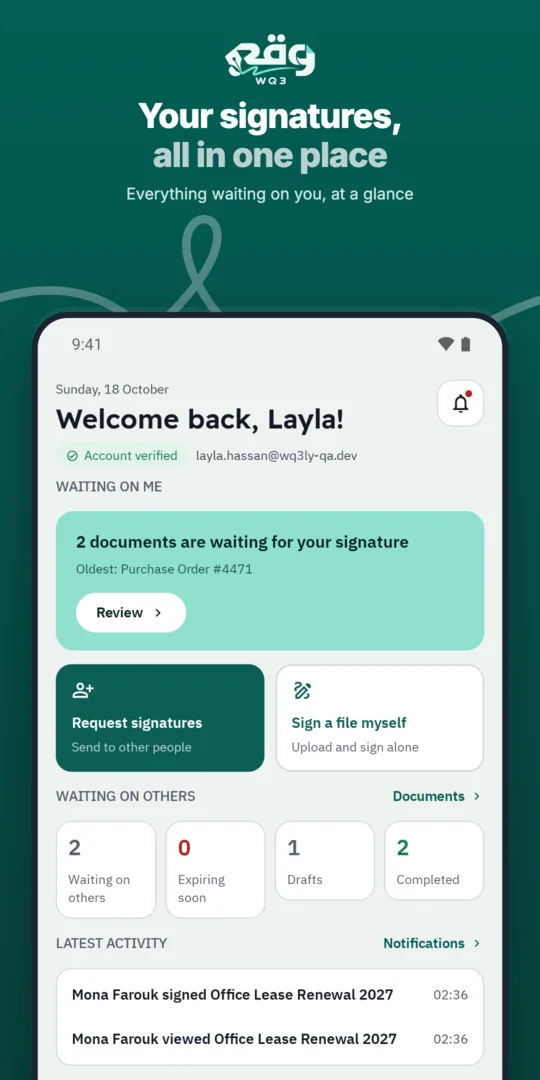
Choose the document straight from Box when you create a signing request.
The signed copy and completion certificate are saved to the Box folder you choose.
File access rights stay as they are in your account.
The business systems and cloud storage WQ3 integrates with.
A REST API to create documents, send them for signature and download signed copies.
Tell us about your environment and we'll help you switch the integration on.
Explore more
Send documents from Oracle business processes for signature and return the signed result.
Learn moreConnect SAP business processes to WQ3 signing workflows.
Learn moreSend Odoo documents for signature through WQ3.
Learn moreWQ3 integrates with Salesforce (CRM) to send documents for e-signature and get them back signed.
Learn moreWQ3 integrates with Google Drive (cloud storage) to send documents for e-signature and get them back signed.
Learn moreWQ3 integrates with OneDrive (cloud storage) to send documents for e-signature and get them back signed.
Learn moreCreate your WQ3 account, or talk to us about your organization’s requirements.
Yes. WQ3 integrates with Box (cloud storage) to send documents for signature and store signed copies without moving files by hand.
No. You pick the same signature level, electronic, remote or token, and the audit trail and completion certificate stay the same.
It stays in WQ3, and a copy with the completion certificate goes to the Box location you choose.
Contact us through the contact page and tell us about your environment; we'll help you set it up.